1
Board Support Package ModARM9 for Windows CE 5.00
16 Developing Applications with Embedded Visual C++
16.1 Creating a new project
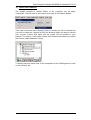
In this example, we will create a console application for the Kernel that we have
made in the beginning and with the SDK for that particular Kernel. Before
starting you have to make sure that the SDK is already installed on the Host PC.
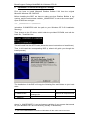
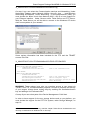
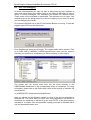
Than open the embedded Visual C++ and select from the File menu New.
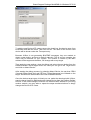
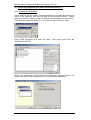
Select WCE Application and enter the name. Than select from CPUs the
ARMv4I and click OK.
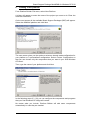
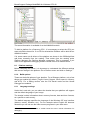
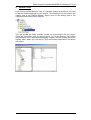
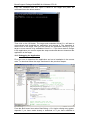
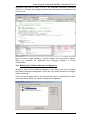
On the next screen select Typical Hello World Application and select Finish. The
wizard will create all files and sources for a small graphical application.
42