1
Part 3 - Getting Started
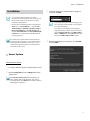
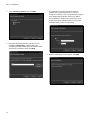
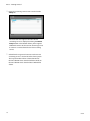
4 Enter the streaming service’s name and select the
Setup tab.
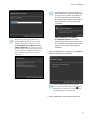
The list of cameras registered on the current
streaming service is displayed. Clicking the Device
Setup button at the bottom allows you to register
additional cameras on the current streaming service
or removes a camera from the current streaming
service.
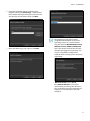
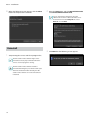
5 Video from the registered cameras on the current
streaming service is streamed to the Client system.
The way to monitor video is identical to that of
the IDIS Solution Suite Standard software. Refer to
the IDIS Solution Suite Standard User’s Manual for
details
18
V2.4