1
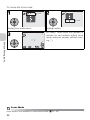
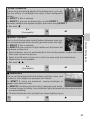
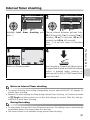
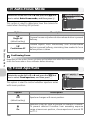
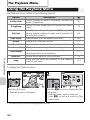
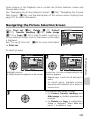
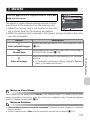
Interval Timer shooting
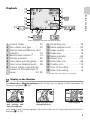
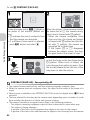
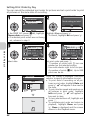
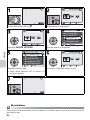
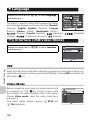
SET INTERVAL TIME 1/2
30s
1m
5m
10m
30m
CONTINUOUS
2/2
5 shot buffer
Intvl timer shooting
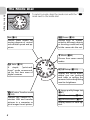
Exit
Confirm
Exit
Confirm
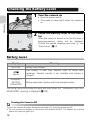
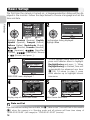
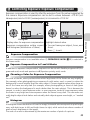
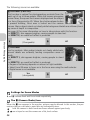
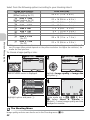
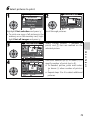
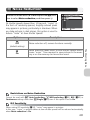
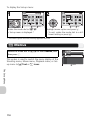
Highlight Intvl timer shooting and Choose interval between pictures from
press d.
30 s (30 seconds), 1 m (1 minute), 5 m (5
minutes), 10 m (10 minutes), 30 m (30
minutes), and 60 m (60 minutes).
Press d to set and return to Shooting
menu.
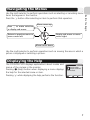
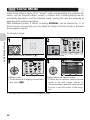
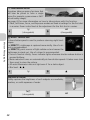
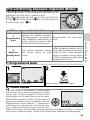
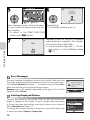
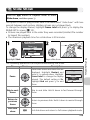
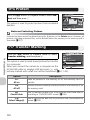
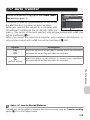
Return to shooting mode.
F2.7
NORM
14
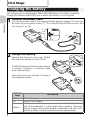
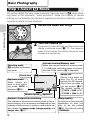
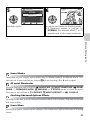
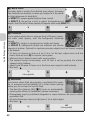
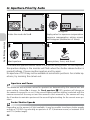
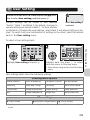
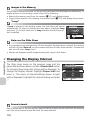
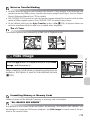
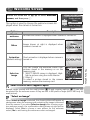
Start recording. Camera will take pictures
at a specified interval until shutter-release
button is pressed again, memory or
memory card is full, or 1800 frames have
been recorded.
Notes on Interval Timer shooting
• To prevent shooting from ending unexpectedly, use the optional EH-62C AC adapter for
interval timer shooting.
• Because the same settings are fixed during Interval timer shooting, set Continuous mode
to r Single and take a picture to confirm that settings are correct. After this, take pictures with Interval timer shooting.
During Recording
• To save power, the monitor turns off between pictures. The display turns on automatically
immediately before the camera takes the next shot.
• Full screen review is not available during interval timer shooting.
91
The Shooting Menu
1/60