1
Section D
POCDOC
CLRINS
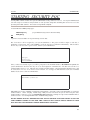
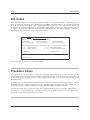
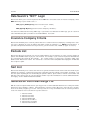
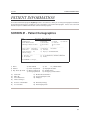
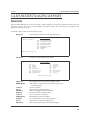
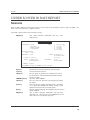
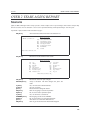
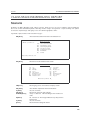
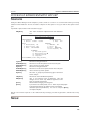
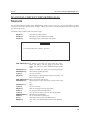
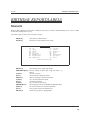
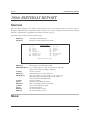
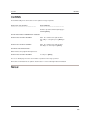
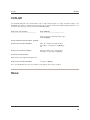
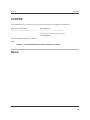
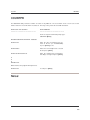
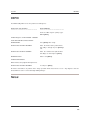
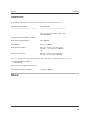
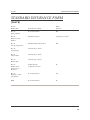
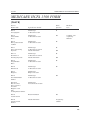
The CLRINS utility clears all insurance from a patient or range of patients.
WHAT’S ON THE SCREEN:
======================
WHAT YOU DO:
=====================
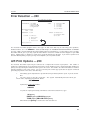
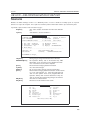
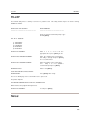
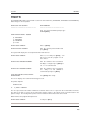
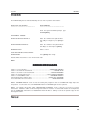
From the System Command prompt type:
CLRINS [Enter]
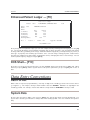
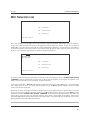
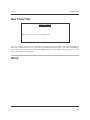
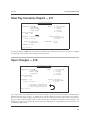
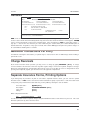
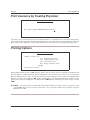
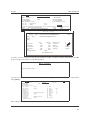
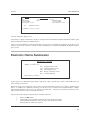
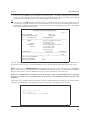
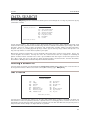
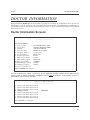
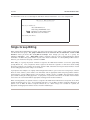
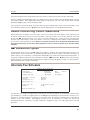
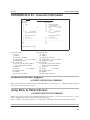
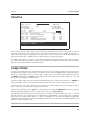
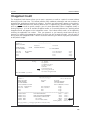
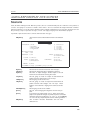
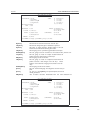
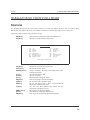
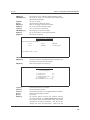
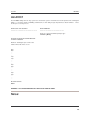
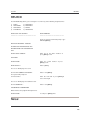
CLEAR INSURANCE INFORMATION - ##/##/##
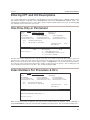
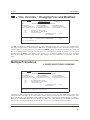
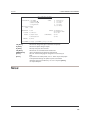
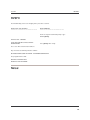
ENTER FIRST PATIENT NUMBER:
Enter the number of the patient where
this utility is to begin or press [Enter] to
exit.
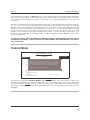
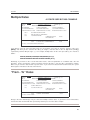
ENTER LAST PATIENT NUMBER:
Enter the number of the patient where
this utility is to end and press [Enter].
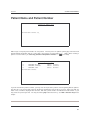
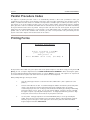
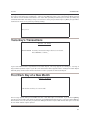
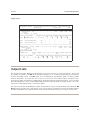
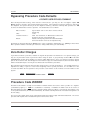
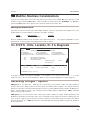
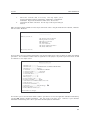
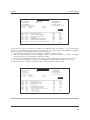
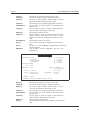
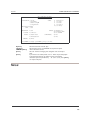
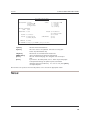
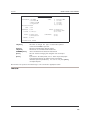
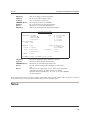
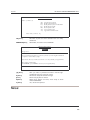
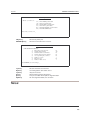
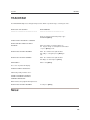
CLEARING INSURANCE INFO When finished, the program will loop back to:
ENTER FIRST PATIENT NUMBER:
To exit press [Enter].
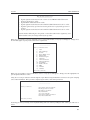
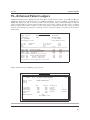
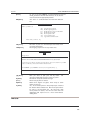
The screen will display the names and numbers of patients in the range specified.
All insurance information for the patients listed must be re-entered through Patient Information.
Notes:
190