1
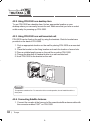
4.2.2. Using FDU-3500 as a desktop item
To use FDU-3500 as a desktop item, find an appropriate location on your
desktop where you can easily access the unit. Make sure that you have a socket
outlet nearby for powering up FDU-3500.
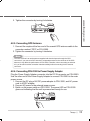
4.2.3. Using FDU-3500 as a wall mounted unit
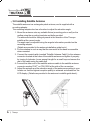
FDU-3500 can be fixed on the wall by using the brackets. Slots for brackets are
provided on the back of FDU-3500.
1. Find an appropriate location on the wall for placing FDU-3500 as a mounted
unit.
2. Place the bracket on the fixing location and mark the location of screw hole.
3. Place a suitable-length screw on the wall for mounting FDU-3500.
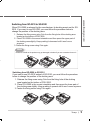
4. Change the direction of Handset holder to a wall-mounted unit.
5. Hook FDU-3500 to the bracket on the wall.
Note
This product contains a fan. To ensure the fan’s normal operation, do not install the unit in a
dusty area.
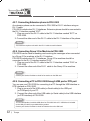
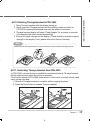
4.2.4. Connecting Satellite Antenna
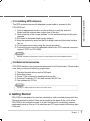
1. Connect the coupler at the free end of the coaxial satellite antenna cable with
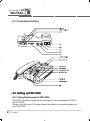
the connector marked “SAT” on FDU-3500.
10 ㅣ Thuraya