1
Changing Position, Angle and Size of Photos
Page 216 of 726 pages
Advanced Guide > Printing from a Computer > Printing with the Bundled Application Software > Other Settings >
Changing Position, Angle and Size of Photos
Changing Position, Angle and Size of Photos
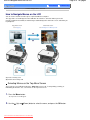
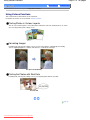
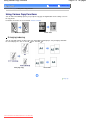
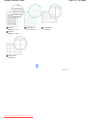
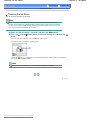
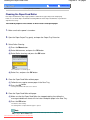
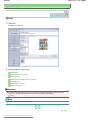
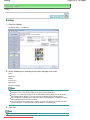
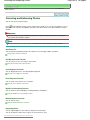
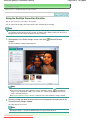
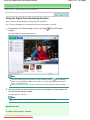
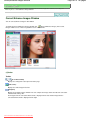
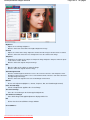
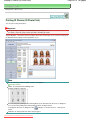
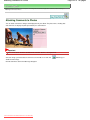
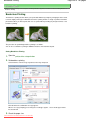
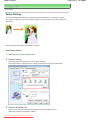
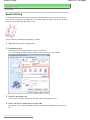
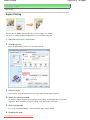
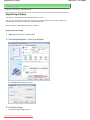
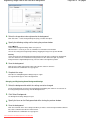
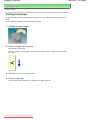
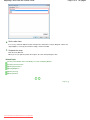
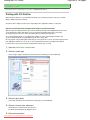
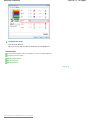
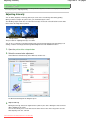
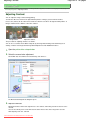
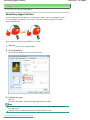
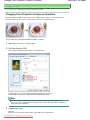
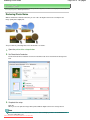
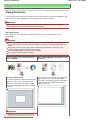
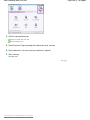
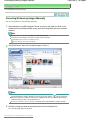
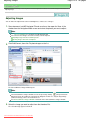
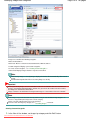
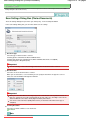
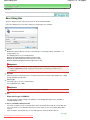
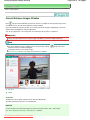
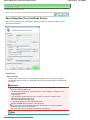
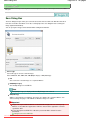
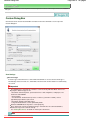
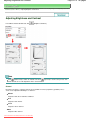
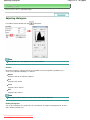
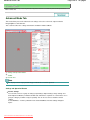
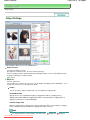
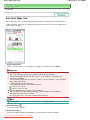
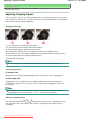
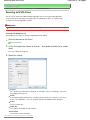
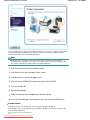
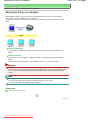
You can adjust the position, angle and size of images.
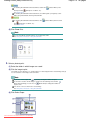
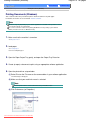
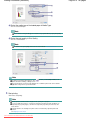
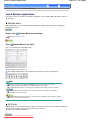
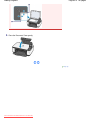
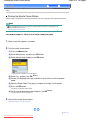
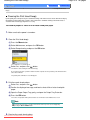
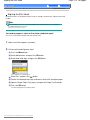
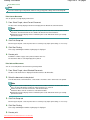
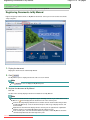
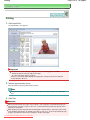
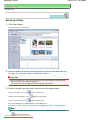
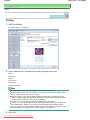
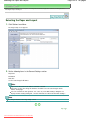
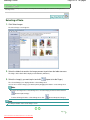
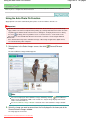
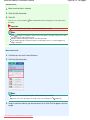
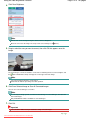
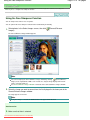
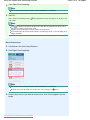
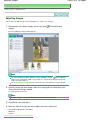
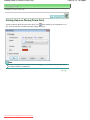
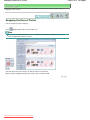
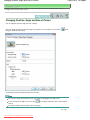
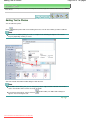
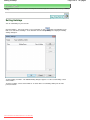
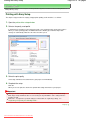
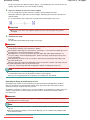
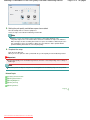
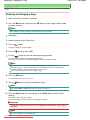
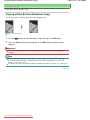
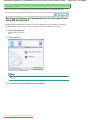
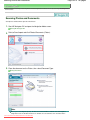
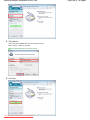
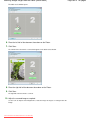
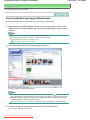
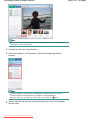
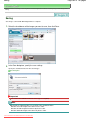
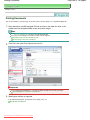
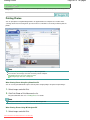
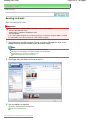
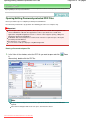
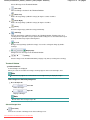
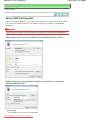
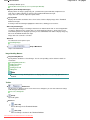
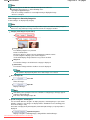
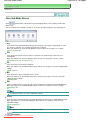
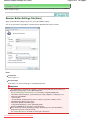
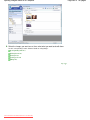
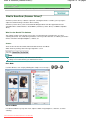
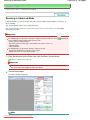
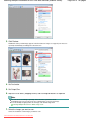
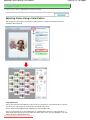
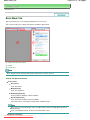
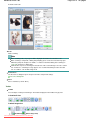
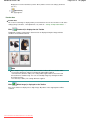
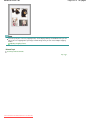
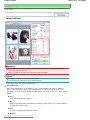
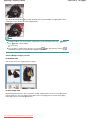
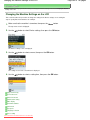
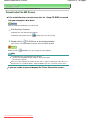
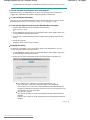
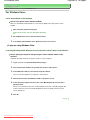
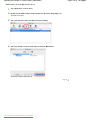
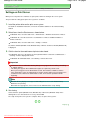
Select the image of which you want to change the position or size in the Edit screen and click
Image) or double-click the image.
(Edit
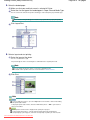
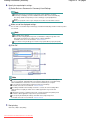
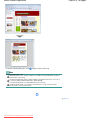
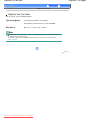
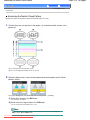
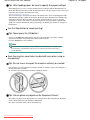
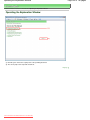
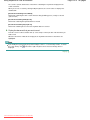
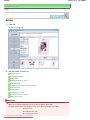
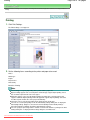
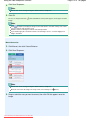
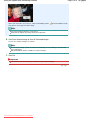
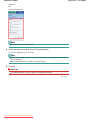
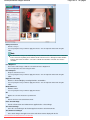
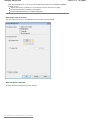
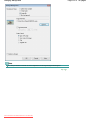
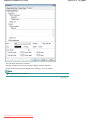
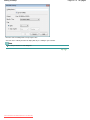
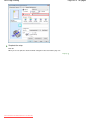
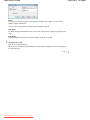
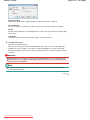
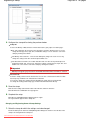
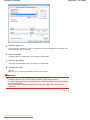
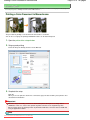
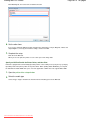
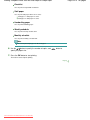
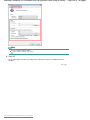
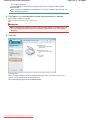
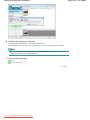
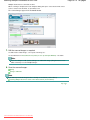
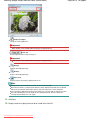
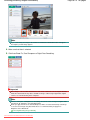
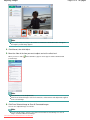
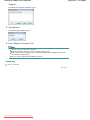
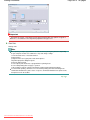
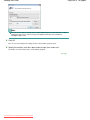
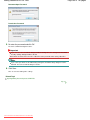
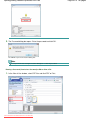
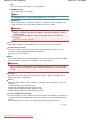
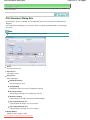
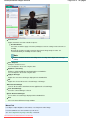
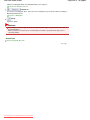
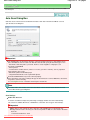
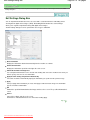
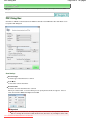
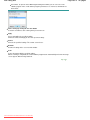
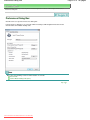
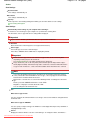
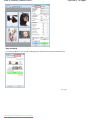
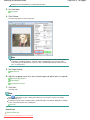
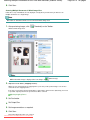
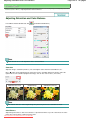
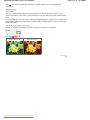
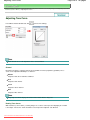
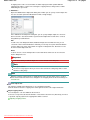
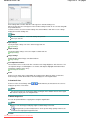
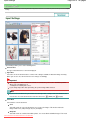
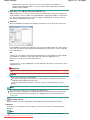
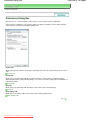
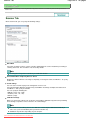
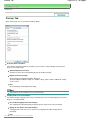
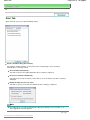
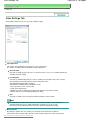
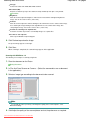
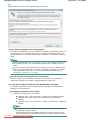
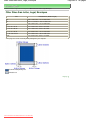
Set the Center Position, Rotation and Size, then click OK.
Note
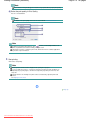
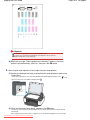
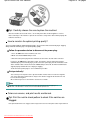
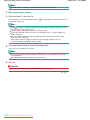
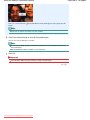
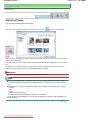
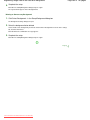
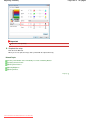
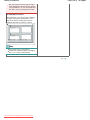
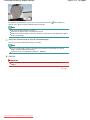
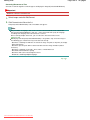
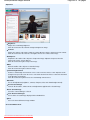
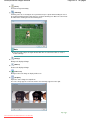
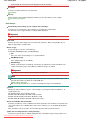
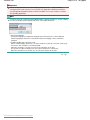
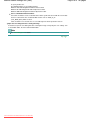
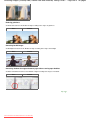
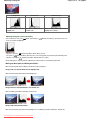
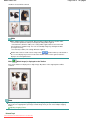
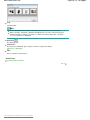
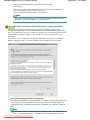
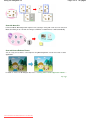
You can also change the position and size of an image by dragging it in the Edit screen.
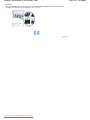
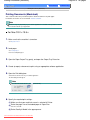
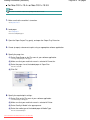
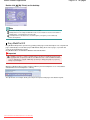
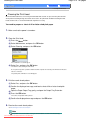
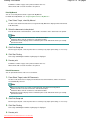
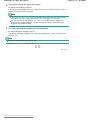
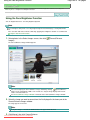
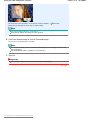
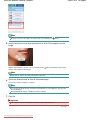
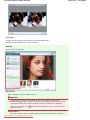
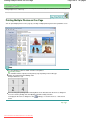
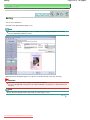
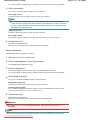
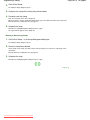
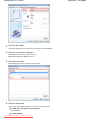
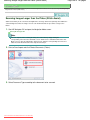
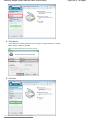
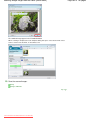
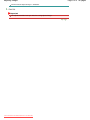
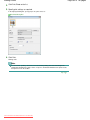
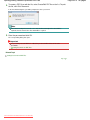
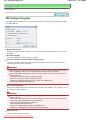
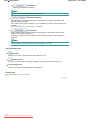
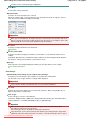
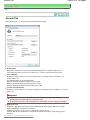
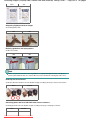
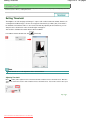
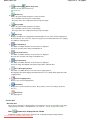
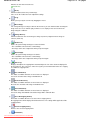
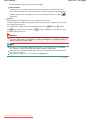
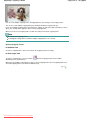
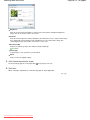
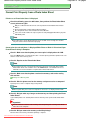
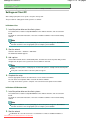
Select an image in the Edit screen, then click
(Free Rotate) and drag a corner of the image to
rotate it.
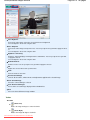
See Help for details on the position and size of images.
Page top
Downloaded from ManualsPrinter.com Manuals