1
1.1.5
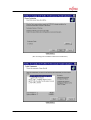
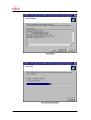
Starting and setting up of SOFTUNE
Preparation Before the operation described below, copy the sample programs to
the hard disk of the personal computer.
Uncompress the Fujitsu_starter_kit.zip file included in the CD-ROM
or among the downloaded files in an arbitrary directory.
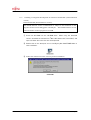
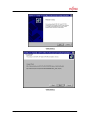
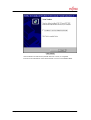
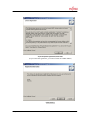
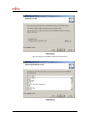
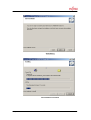
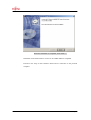
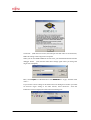
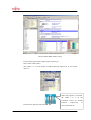
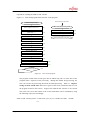
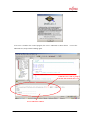
Start SOFTUNE (limited-function version).
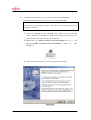
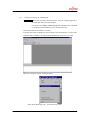
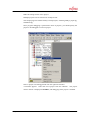
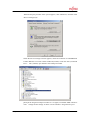
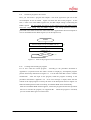
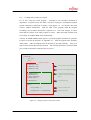
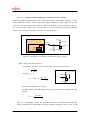
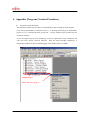
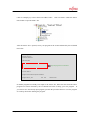
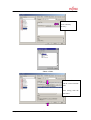
From the Start menu of Windows, select Programs (P) and Softune V3, in this order,
and then click on FFMC-16 Family Softune Workbench (trial version) to start.
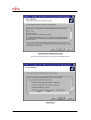
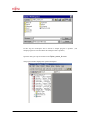
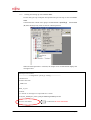
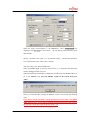
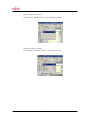
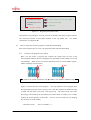
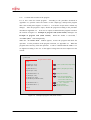
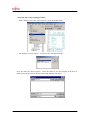
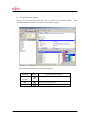
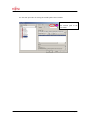
Open the workspace file for sample programs.
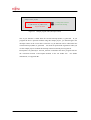
Select Open Workspace (R)... from the File (F) menu.
© Fujitsu
-23-