1
Chapter 6
User-defined communication
MASTER-K
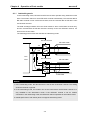
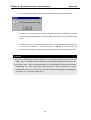
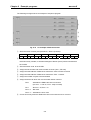
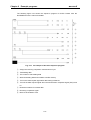
After library is downloaded successfully, disconnect the frame editor and turn off the
power of PLC system. Then set the operation mode of Cnet module to ‘Online’ mode, turn
on the power of PLC system, and connect the frame editor.
Remark
To use ‘Library mode’, the Cnet module should be set as ‘Online mode’. The library
mode only can be available through online mode selection. Please refer the chapter 4.4
for details.
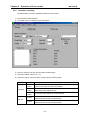
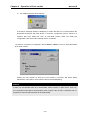
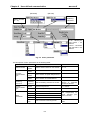
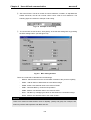
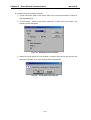
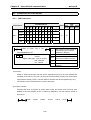
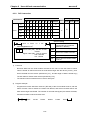
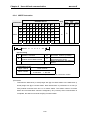
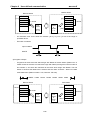
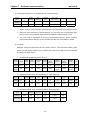
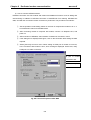
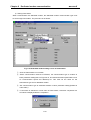
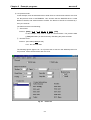
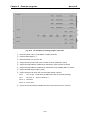
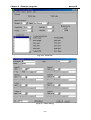
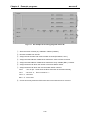
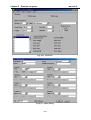
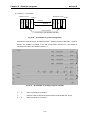
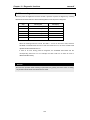
Select Online – Mode in menu, then following screen will appear. Choose communication
channel (Stand-alone / Interlocking) and operation mode for each channels (RS-232C /
RS-422).
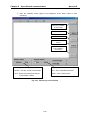
Fig. 6.33 Online mode selection
Remark
Do NOT quit frame editor or turn off the PC while a library file is being downloaded to
the Cnet module. It may cause a fatal error to the Cnet module by damaging the O/S
data of Cnet module.
6-29

























































![[11] Chap.9 Installation and Wiring](http://vs1.manualzilla.com/store/data/005904878_1-e83dc78a4328ff11b1e565de6734c05d-150x150.png)