1
4
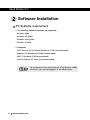
2. Software Installation
5
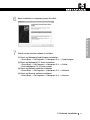
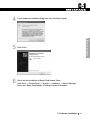
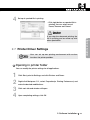
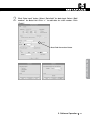
In the Confirm Device Uninstall dialog box, click OK. The device is
uninstalled successfully.
If you install this device again, turn off the printer and turn on again.
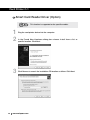
Smart Card Reader Driver (Option)
1
2
3
4
5
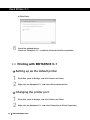
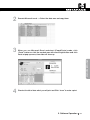
Open Device Manager.
Click Start, Control Panel, System, Hardware and Device Manager.
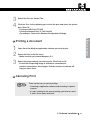
Double-click the Smart Card Readers you want to uninstall.
Right-click the Smart Card Reader, and then click Uninstall.
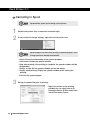
In the Confirm Device Uninstall dialog box, click OK. The device is
uninstalled successfully.
If you install this device again, turn off the printer and turn on again.
2. Software Installation
23