1
electronic devices to connect to each other
without wires or a docking station, so
uconnect™ phone works no matter where you
stow your cellular phone (be it your purse,
pocket, or briefcase), as long as your phone is
turned on and has been paired to the vehicle’s
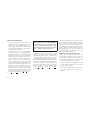
uconnect™ phone. The uconnect™ phone allows up to seven cellular phones to be linked to
the system. Only one linked (or paired) cellular
phone can be used with the uconnect™ phone
at a time. The uconnect™ phone is available in
English, Dutch, French, German, Italian or
Spanish languages (as equipped).
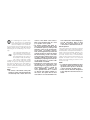
WARNING!
Any voice commanded system should be
used only in safe driving conditions following
local laws and phone use. All attention should
be kept on the roadway ahead. Failure to do
so may result in an accident causing serious
injury or death.
60
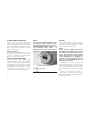
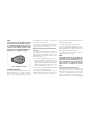
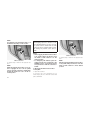
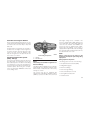
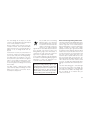
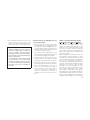
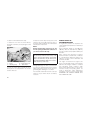
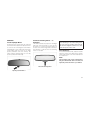
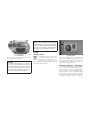
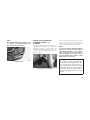
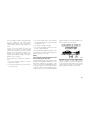
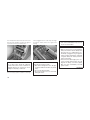
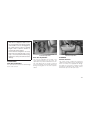
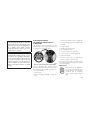
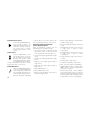
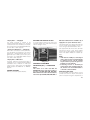
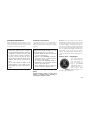
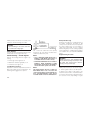
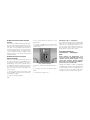
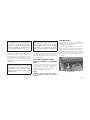
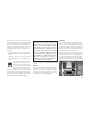
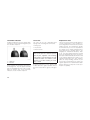
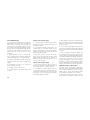
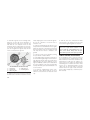
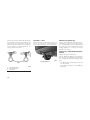
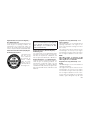
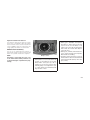
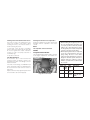
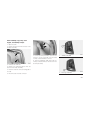
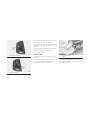
Phone Button
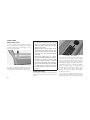
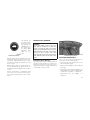
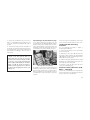
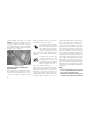
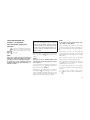
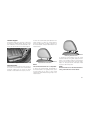
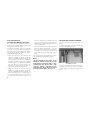
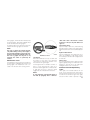
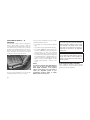
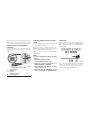
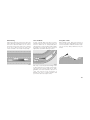
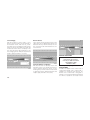
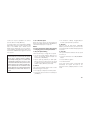
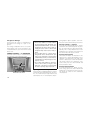
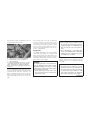
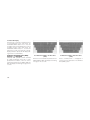
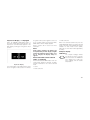
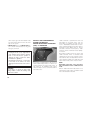
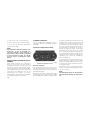
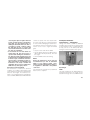
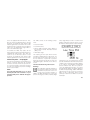
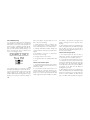
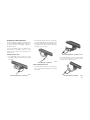
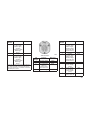
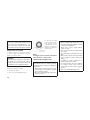
The rearview mirror contains the
microphone for the uconnect™
phone (depending on the type of
mirror and radio equipped), and
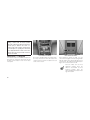
the radio contains the two control
buttons that will enable you to access the uconnect™ phone.
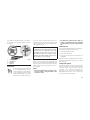
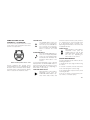
Voice Recognition Button
Actual button location may vary
with radio. The individual buttons
are described in the “Operation”
section.
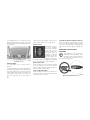
uconnect™ phone can be adjusted either from
the radio volume control knob or from the
steering wheel radio control, if so equipped.
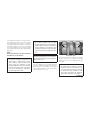
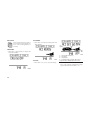
The radio display will be used for visual
prompts from the uconnect™ phone such as
⬙CELL⬙ or caller ID on certain radios.
Compatible Phones
* The uconnect™ phone requires a cellular
phone equipped with the Bluetooth姞
ⴖHands-Free Profile,ⴖ version 1.0 or higher.
See uconnect™ website for supported phones.
• www.chrysler.com/uconnect
• www.dodge.com/uconnect
The uconnect™ phone can be used with
Hands-Free Profile certified Bluetooth姞 cellular
phones. Some phones may not support all the
uconnect™ phone features. If your cellular
phone supports a different profile (e.g., Headset Profile) you may not be able to use any
uconnect™ phone features. Refer to your cellular service provider or the phone manufacturer for details.
• www.jeep.com/uconnect
The uconnect™ phone is fully integrated with
the vehicle’s audio system. The volume of the
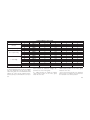
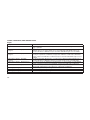
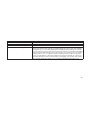
• In the getting started tab, select compatible
phones
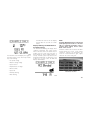
To find the list of compatible phones navigate
through the following menus:
• Select model year for the vehicle
• Select type of the vehicle
• Mark the box if radio is equipped with Navigation.