1
4.2 Add Decoder
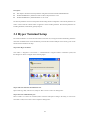
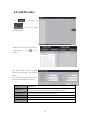
Click
“
“
”,
and
then
click
” to enter the decoder
settings interface.
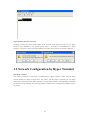
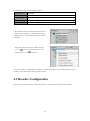
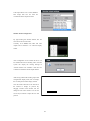
Right click the “Decoder list”, and select
“Add decoder”, or click “
”to add
decoder.
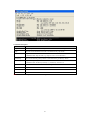
Input decoder name, IP, Port, Username,
Password, and click ”OK” to finish adding
decoder.
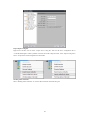
Note: user can also click the Online Decode
option to select and add the online device.
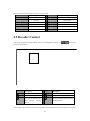
Option
Decoder type
Instruction
CIF, 4CIF, 720P and 1080P can be selected according to your decoder model, and
different model of decoder could have different decode performance.
Decoder name
The name of the Decoder, which can be user-defined.
Decoder IP
The IP address of the Decoder.
Port
The device port of the Decoder.
Username/Password
The username and password of the Decoder.
20