1
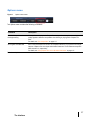
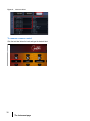
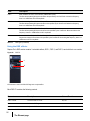
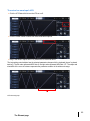
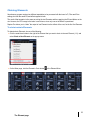
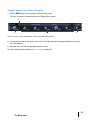
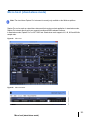
To reorder the Filter FX chain
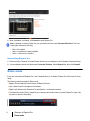
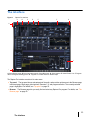
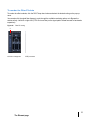
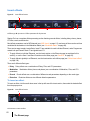
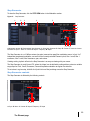
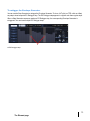
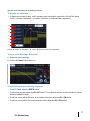
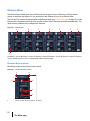
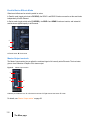
To reorder the effect modules, click the ROUT drop-down button and select the desired routing on the pop-up
menu.
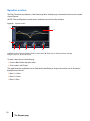
You can also click the signal flow diagram to cycle through the available reordering options or to Bypass the
section entirely. Left-click or right-click (CTRL-click on a Mac) on the signal path to iterate forwards or backwards
respectively.
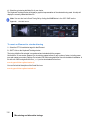
Figure 22.
Filter FX routing.
A
A. Click to change the order of DSP processes
51
The Element page