1
Set Up Instructions
Step 35
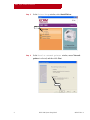
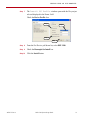
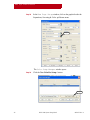
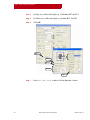
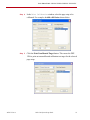
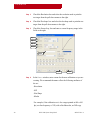
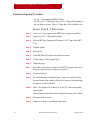
For Main intent: select (->ICC Colorimeter) from the pull-down.
Step 36
Check the CMYK images: box, and then (->ICC Colorimeter) from
the pull-down.
Step 37
Check the RGB images: box, and then (->ICC Colorimeter) from the
pull-down.
Step 38
Check the Use black point compensation box.
Step 39
For Black generation: select Medium from the pull-down.
Step 40
Check the Override black generation in job box.
Step 41
Check the Convert RGB black to true black box.
Step 42
For Color adjustments: select Accurate from the pull-down.
Step 43
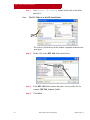
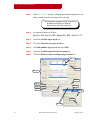
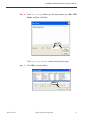
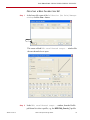
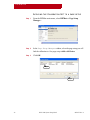
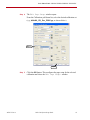
Ensure ALL settings are as shown above, and then click Save As...
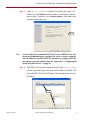
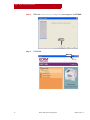
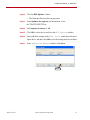
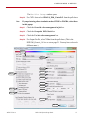
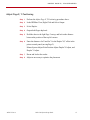
The Save Setup window opens.
Step 44
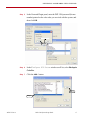
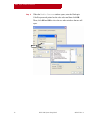
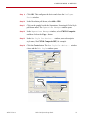
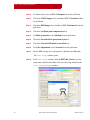
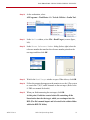
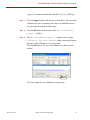
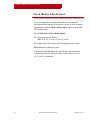
In the Save Setup window, enter the DPP1200_Generic_1 as the
setup name, and then click Save. This saves the setup and opens the
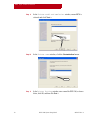
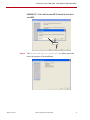
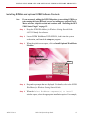
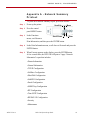
Color Setup Manager window.
Step 44
28
DPP 1200 System Setup Guide
AG50727 Rev. 4