1
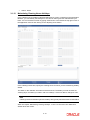
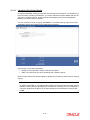
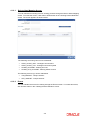
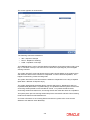
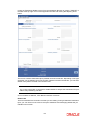
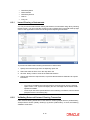
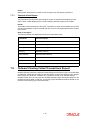
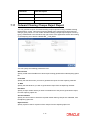
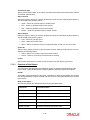
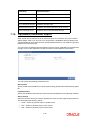
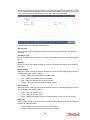
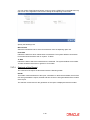
3.1.12 VNHA - Hanoi Maintaining Clearing House Holidays In the Clearing House Holidays Calendar Maintenance screen, invoked from the Application Browser, you can identify the holidays for the various clearing houses maintained at your bank. You can invoke this screen by typing ‘STDCLHOL’ in the field at the top right corner of the Application tool bar and clicking on the adjoining arrow button. In the Clearing House field, specify the clearing house for which you are maintaining holiday details. The dates on the calendar are marked in black and red. The dates you mark in black are “working days” and dates you mark in red are “holidays”. Click on a date to change its color. Note Clearing Houses and Clearing House Holidays are typically maintained at the Head Office. Refer the chapter ‘Maintaining Clearing Holidays ‘ in the Core Services User Manual for details about this screen. 3-14