1
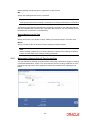
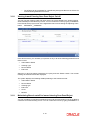
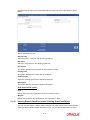
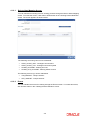
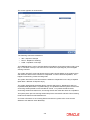
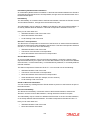
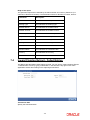
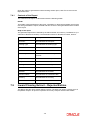
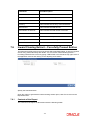
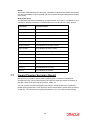
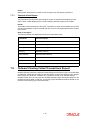
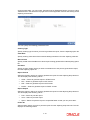
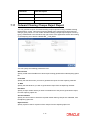
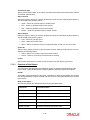
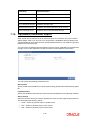
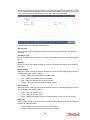
accounts value date. You can invoke ‘Cheques Due for Realization Report’ screen by typing ‘CGRCDTOD’ in the field at the top right corner of the Application tool bar and clicking on the adjoining arrow button. You can specify the following parameters here: Clearing Type Specify clearing type for which you wish to generate the report, form the adjoining option list. Value Date Specify clearing value date of the outward clearing transaction from the adjoining calendar. Branch Code Specify a valid code of the Branch in which report is being generated from the adjoining option list. End Point Specify cheque number which you wish to maintain as an end point to generate the report, from the adjoining option list. Report Format Select the format in which you need to generate the report from the adjoining drop-down list. This list displays the following values: HTML – Select to generate report in HTML format. RTF – Select to generate report in RTF format. PDF – Select to generate report in PDF format. EXCEL – Select to generate report in EXCEL format. Report Output Select the output in which you need to generate the report from the adjoining drop-down list. This list displays the following values: Print – Select to print the report. View – Select to print the report. Spool – Select to spool the report to a specified folder so that you can print it later. Printer At Select location where you wish to print the report from the adjoining drop-down list. This list displays the following values: 7-13