1
Introduction 11
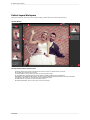
Using as Standalone
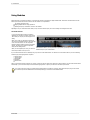
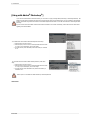
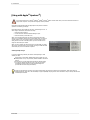
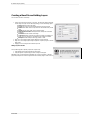
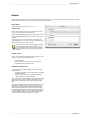
Perfect Photo Suite can be used as a standalone application without the need of Photoshop, Lightroom or other host application. To launch it follow these steps:
Mac OSX
1.
2.
3.
4.
Open your Hard Drive.
Navigate to the Applications folder.
Navigate to the Perfect Photo Suite folder.
Double click on the Perfect Photo Suite application icon.
You can add Perfect Photo Suite to your dock for easy access by clicking and holding the icon in the dock, then select the Keep In Dock option. If you use
Launchpad it can be found there as well.
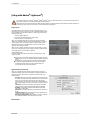
Windows Vista and 7
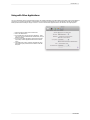
1. Go to your Start Menu.
2. Select the onOne Software group.
3. Select Perfect Photo Suite.
If you selected the "Add Icon to Desktop" option during installation you can also access Perfect Photo Suite from there.
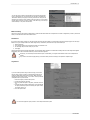
Windows 8
1. Open the Start screen by pressing the Window key.
2. Select Perfect Photo Suite.
If you selected the "Add Icon to Desktop" option during installation you can also access Perfect Photo Suite from there.
Perfect BW