1
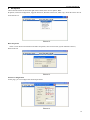
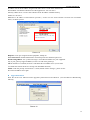
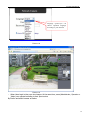
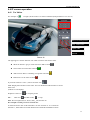
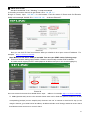
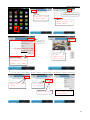
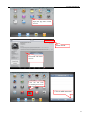
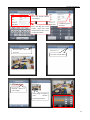
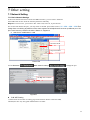
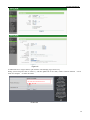
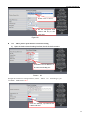
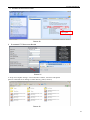
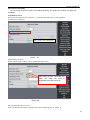
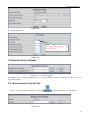
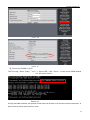
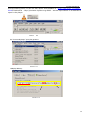
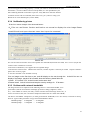
IPCAM User Manual Double click to choose Fill the encryption and routers and key in the same way Figure 63 7.13 Adhoc point to point Wireless connection Setting 1) Open the basic network setting interface,check the device status remember the IP address of IP camera and Http port Picture 64 2) Open the wireless lan setting interface, choose Adhoc can define for network type, you SSID such as 001 Click the Settings, Ip Camera will restart and save 35