1
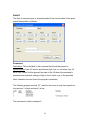
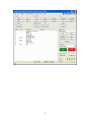
Example Three: This example will extend the actuator .5”, turn all four
outputs high, wait .5 seconds, turn all outputs low, retract the actuator .5”, turn all
four outputs high, wait .5 seconds, turn all outputs low, then end the program. We
will accomplish this by using a subroutine.
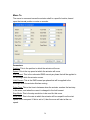
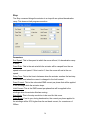
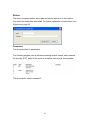
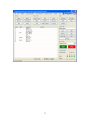
We first want to extend 0.5”.
•
Click the “Extend” button.
•
Input the distance as 0.5 inches.
•
Input the speed as 1 inch per second.
•
All other parameters can be left as the defaults.
•
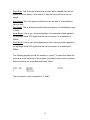
No Label is required.
•
You can add a comment in the comment line if you wish.
•
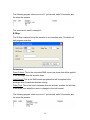
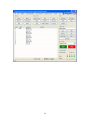
Click the “Add At End” button. This places the command in program.
Note: You will notice that when the extend command populates in the program
field on the screen, that it is followed by a second command that states “Wait For
Move“. This is also true when using the Retract and Move To commands. This is
a command to allow the move to finish before execution of the next command.
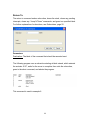
We now want to use a subroutine to toggle the outputs on and off.
•
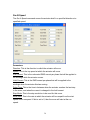
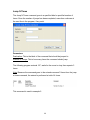
Click the “Goto Sub” button.
•
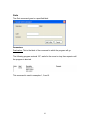
Enter the destination as “Toggle”
•
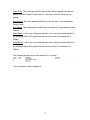
No label is required.
•
You can add a comment in the comment line if you wish.
•
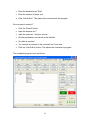
Click the “Add At End” button. This places the command in program.
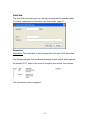
We now want to retract 0.5”.
•
Click the “Retract” button.
•
Input the distance as 0.5 inches
•
Input the speed as 1 inch per second
62