1
< 1.9 > PPS-02-S
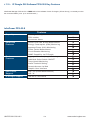
IP dongle GUI software
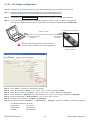
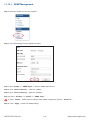
In < System >,
-
Change IP dongle name & location
Change temperature unit displayed in UI
Change IP dongle’s IP address, subnet mask & gateway
Tick “ Force HTTPS ” to provide data transmission security.
Click “ Apply ” to finish the above settings
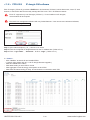
In < Login >,
- Change “ Login name ” OR “ Password ”
- Re-enter password in “ Confirm password ”
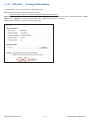
- Click “ Apply ” to finish the above settings
UM-PPS-02-S-Q214V1
P.16
www.austin-hughes.com