1
3.4. END OF CHAPTER PROBLEMS
3.4
47
End of Chapter Problems
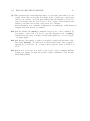
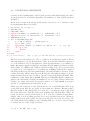
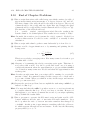
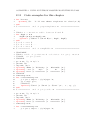
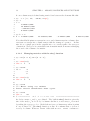
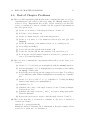
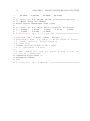
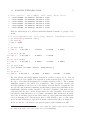
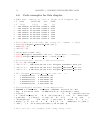
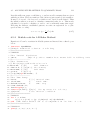
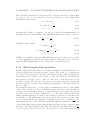
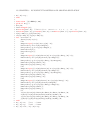
(1) Here you will experiment with Matlab at the command line and record your
experiments in a file called problem1.txt using the diary() function (See
section 3.1.1.2). Experiment all you like. Please clean up your diary file
before you submit it so that it contains only the requested experiments in
the order given below.
(a) Create a row array a of the integers between -42 and -35
(b) Add 10 to every element of a.
(c) Create a column array b of the same integers in a.
(d) Create a row array c of 32 numbers between pi/4 and pi/2 with
linspace.
(e) Create d consisting of the numbers from 3 to 6 counting by 0.3
(f) Set e=d(5) and f=d(7)
(g) Set e= the 3rd through the 6th elements of d.
(h) Set f= the 5th through the 8th elements of d, and add it to e.
(i) Look up the random number function and use it to generate a row
vector of 10 random numbers.
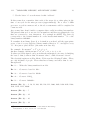
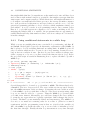
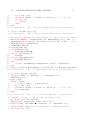
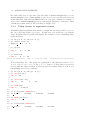
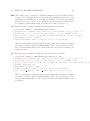
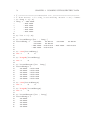
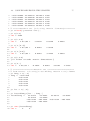
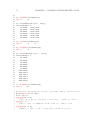
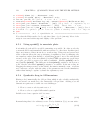
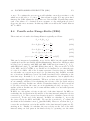
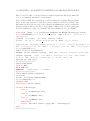
(2) Here are more command line experiments which will go in the diary problem2.txt
(a) Create ~r1 = 5î + 12ĵ and get its magnitude with the norm() function.
(b) Get the magnitude of ~r1 by multiplying it by its transpose and taking
the sqrt() of this result.
(c) Repeat the previous but put the transposed vector first. You will get
a very different result. Matrix multiplication is usually not commutative.
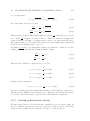
(d) Create ~r2 = 0î + 2ĵ + 0k̂. ~r3 = î + ĵ. Calculate ~r2 · ~r3 using the dot()
function and using vector multiplication.
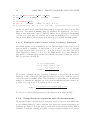
(e) Calculate ~r2 × ~r3 .
(f) Calculate the cosine of the angle between ~r2 and ~r3 using technique
from section 3.1.3.1.
(g) Calculate the angle between ~r2 and ~r3 in degrees using appropriate
Matlab commands.
(h) Repeat the previous two steps to find the angle between ~r1 and ~r3 .
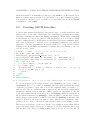
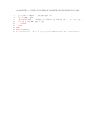
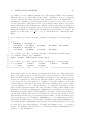
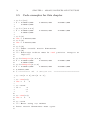
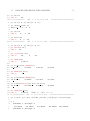
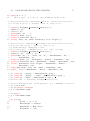
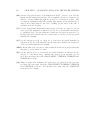
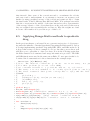
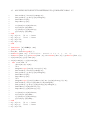
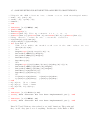
(3) Here is the first line of a function to calculate F, the force of attraction
between two masses.
function F = gravity(m1,m2,R).
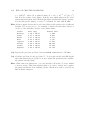
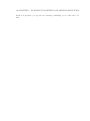
Finish the function, including the documentation. Rewrite example 1-A in
section 1.8 to make use of your function.