1
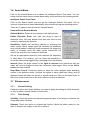
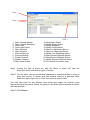
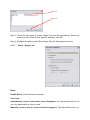
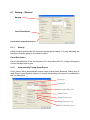
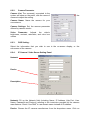
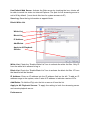
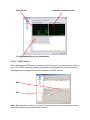
Use Default Web Server: Activate the Web server by checking the box; clients will
be able to watch live video via Internet Explorer. The port for live streaming server is
set to 80 by default. (*must check this item for system access via IE)
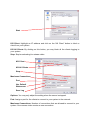
Save Log: Save the log information at appoint folder.
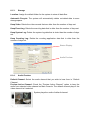
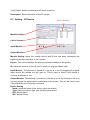
Black/ White List
White List
Black List
IP Address
Add/Delete
Apply to All Playback
Servers
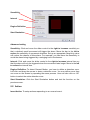
White List: Check the “Enable White List” box to activate the white list filter. Only IP
from the white list is allowed to log in.
Black List: Check the “Enable Black List” box to activate the black list filter. IP from
the black list will be blocked.
IP Address: Enter an IP address into the IP address field on the left. To add an IP
address range to the system, enter 2 sets of IP address to indicate a series of IPs.
Add/Delete: To Add the IP(s) onto the list or remove it from the list.
Apply to All Playback Servers: To apply the setting to both live streaming server
and remote playback server.
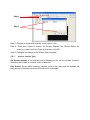
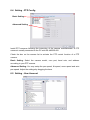
Performance