1
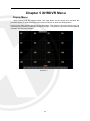
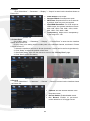
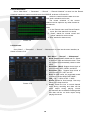
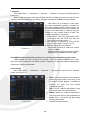
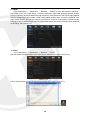
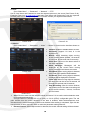
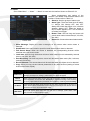
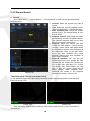
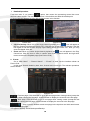
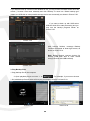
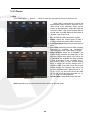
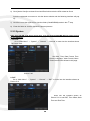
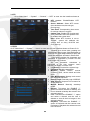
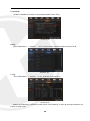
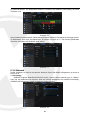
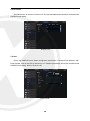
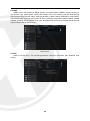
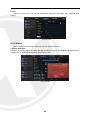
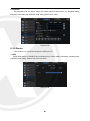
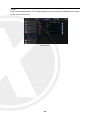
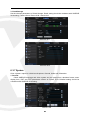
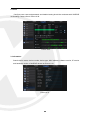
2. Record Schedule (Picture 4-4). Set recording time and scheduled recording of the XHRDVR. Picture 4-4 3. HDD Management (Picture 4-5). HDD format and overwrite type. Picture 4-5 4.3 Main Interface Picture 4-6 Note: When internal HDD is not connected to XHRDVR, the character “H” will appear on the lower part of the main interface and accompany buzzer alarm. If you want to disable the buzzer alarm, please enter [EventAlarm] to disable HDD loss alarm, HDD space insufficiency alarm and set alarm output to “off”. 7