1
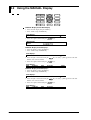
10.10 Selecting Display Update Interval, Registering
Details Set/Selected with SET UP Menu, and
Terminating SET UP Menu
DISP
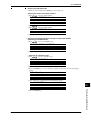
SETUP=DISPLAY
>Select Setting Parameter
↓UT RJC LOCK FUNC_PARM SET_PARM DISPLAY↑
ALARM
MODE
START
ESC
RECORD
FUNC
CLOCK
INS
DEL
STOP
RANGE ALARM
FD COPY
KEYLOCK
MEM SET
SET
ENTER
M. F U N C
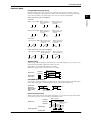
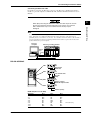
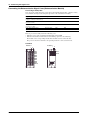
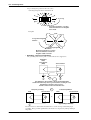
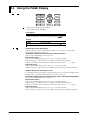
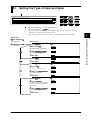
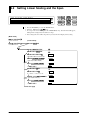
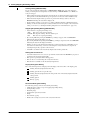
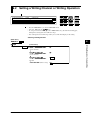
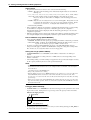
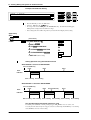
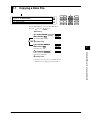
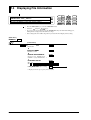
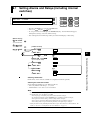
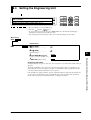
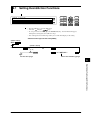
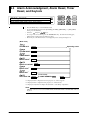
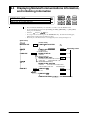
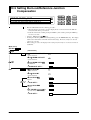
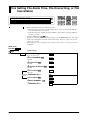
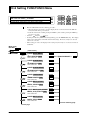
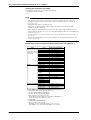
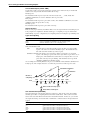
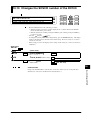
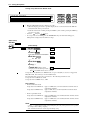
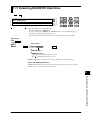
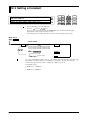
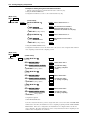
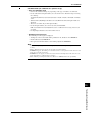
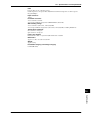
• Enter the SET UP menu in the following procedure:
1. When the display presents the operation display mode or a menu other than the SET UP
menu, first turn off the power switch.
2. Turn the switch back on while pressing the DISP key and continue pressing the DISP key
for about 5 seconds.
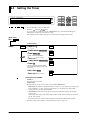
• Select/set
using the
keys.
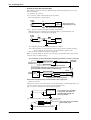
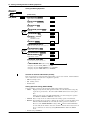
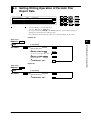
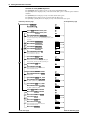
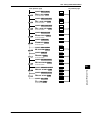
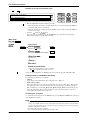
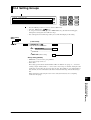
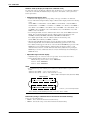
• If exiting the following lower menu setting halfway, press the MODE (ESC) key. The display
returns to the main menu to which the lower menu belongs. However, newly set or selected
contents are canceled.
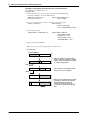
• When setting proceeds to the display for the setting end, the newly set or selected contents are
established.
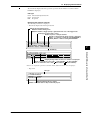
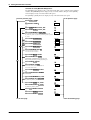
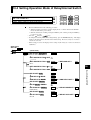
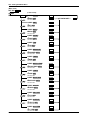
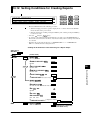
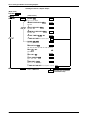
(Main menu)
SET UP=
(Lower menu)
DISPLAY
ENTER
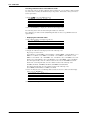
AUTO INTERVAL=2
ENTER
>2 3 4 5
END
ENTER
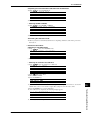
***AUTO INTVL SET***
ESC
SETUP=ABORT
ESC
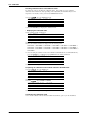
ABORT STORE
ENTER (SET UP end)
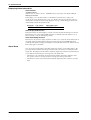
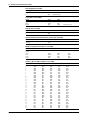
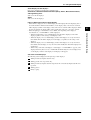
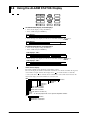
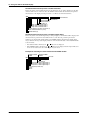
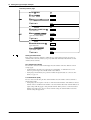
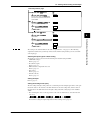
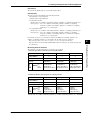
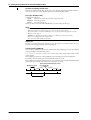
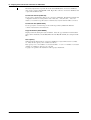
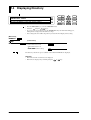
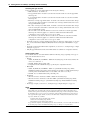
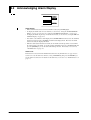
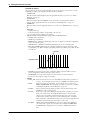
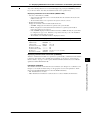
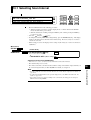
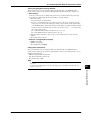
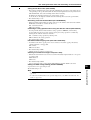
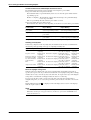
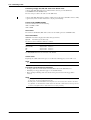
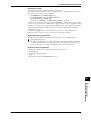
Selection of Display Update Period (DISPLAY)
Select the display update interval when the operation display mode in the display is AUTO.
• Select 2, 3, 4, or 5 seconds.
• The default setting is 2 seconds.
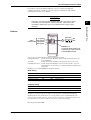
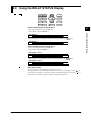
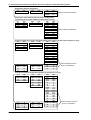
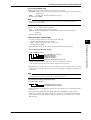
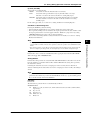
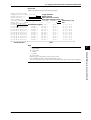
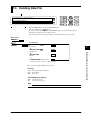
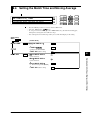
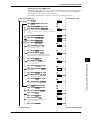
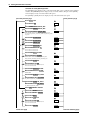
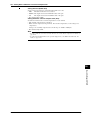
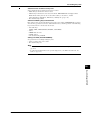
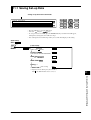
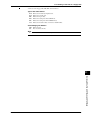
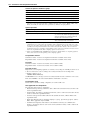
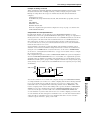
Registration/Abortion of Setting/Selection Details and Termination of SET UP
menu (END)
In order to make the details set/selected in the SET UP menu effective, a registering operation is
necessary. In contrast, the status can also be brought to that before setting/selection without
registration (abort). Terminate the SET UP menu after registering or aborting operation.
• ABORT: Registration is aborted and the SET UP menu is terminated.
• STORE: After registration, the SET UP menu is terminated.
• The default setting is ABORT.
Select the END menu, then press the ENTER key. The operation display mode is reached about
10 seconds after pressing the ENTER key.
10-20
IM DC100-01E