1
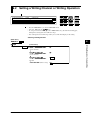
2.4 Alarm Function
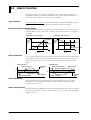
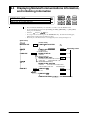
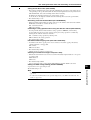
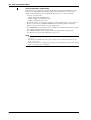
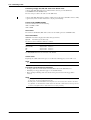
Displaying Alarm Information
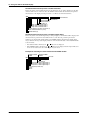
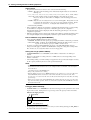
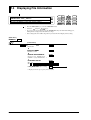
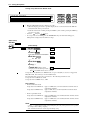
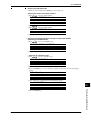
Alarm Indicator
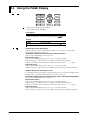
“ALARM” Indicator
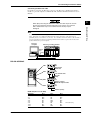
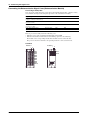
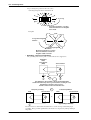
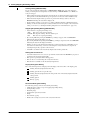
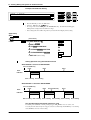
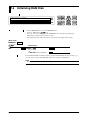
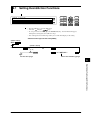
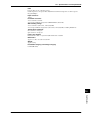
When at least one alarm occurs, the “ALARM” indicator at the right of the display will light.
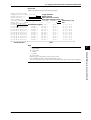
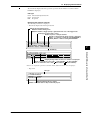
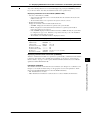
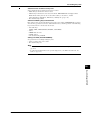
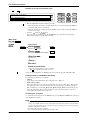
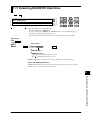
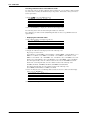
Display per Channel
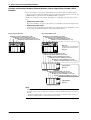
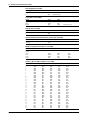
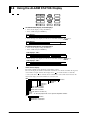
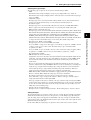
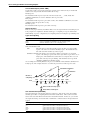
In sub-display 1 or 2, the alarm statuses of a maximum of 30 channels (according to the
specifications) can be displayed (refer to page 2-1). Besides, when the measurement value of a
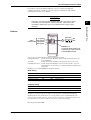
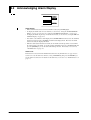
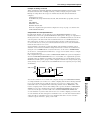
channel where an alarm occurred is being displayed, the type of alarm will appear between the
channel number and the measurement value.
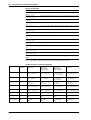
Channel No.
Type of alarm
001
H
Measurement value
10.000mV
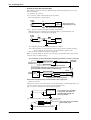
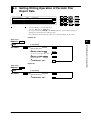
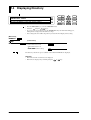
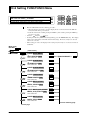
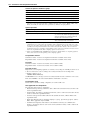
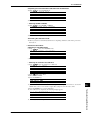
Alarm Display Hold Function
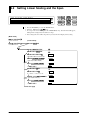
This function allows the alarm display to remain even when the alarm has already been released.
This function can be selected ON or OFF and applies to all alarms. When the function is set to
ON, if an alarm occurs, the alarm display flashes.
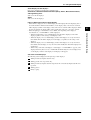
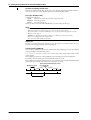
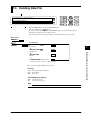
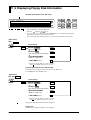
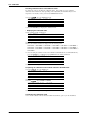
Alarm Acknowledge Function
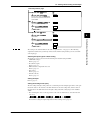
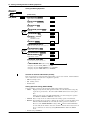
This function only resets the display and therefore allows you to verify the current alarm status on
the display. When the alarm display hold function is ON, selecting the ALARM ACK menu
results the alarm display changing from flashing to lit and will turn off when the alarm is released.
This setting applies to all alarms.
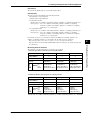
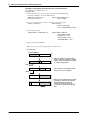
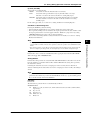
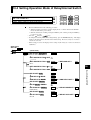
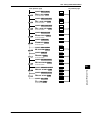
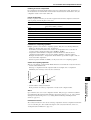
Alarm Reset
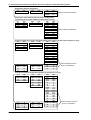
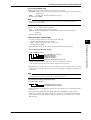
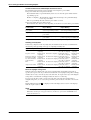
You can reset the internal switches and alarm output relays and the corresponding displays. The
previously mentioned alarm acknowledge function has the same function as resetting the alarm
display here. Resetting the internal switches and alarm output relays when the relay hold function
is set to ON has the following affects and depends on the alarm status.
• when alarms occur continuously, the internal switches/alarm output relays will turn to their
non-operative status for a short period but soon change into their operation status.
• when alarms are released, the internal switches/alarm output relays turn to their non-operative
status.
2-10
IM DC100-01E