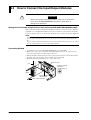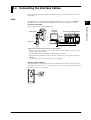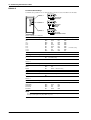
1
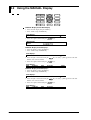
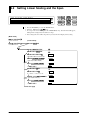
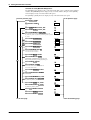
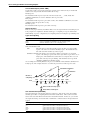
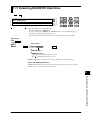
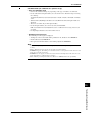
11.3 Displaying the Directory of a Floppy Disk
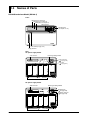
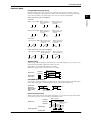
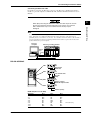
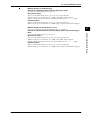
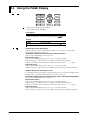
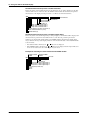
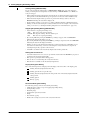
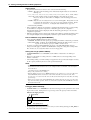
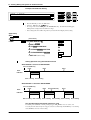
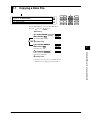
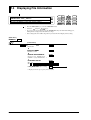
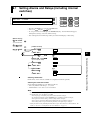
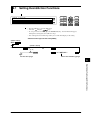
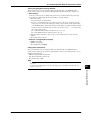
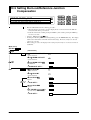
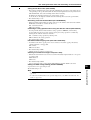
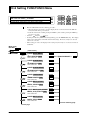
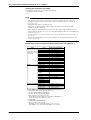
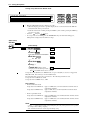
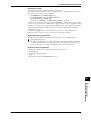
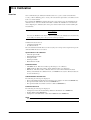
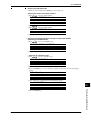
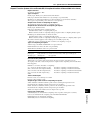
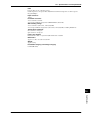
Displaying a directory in the SET mode
DISP
MODE
START
ESC
SET=MEDIA
RECORD
ALARM
>Select Setting Parameter
MEDIA UNIT MATH CONST TIMER LOGIC CH_C↑
FUNC
CLOCK
INS
DEL
STOP
RANGE ALARM
FD COPY
KEYLOCK
MEM SET
SET
ENTER
M. F U N C
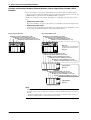
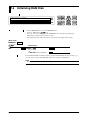
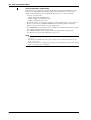
• Press the SET key to enter the SET menu.
using the
keys.
• Select/set
• To escape from a lower menu, press the MODE (ESC) key. Its main menu will appear,
although new settings/selections will not be kept.
• New settings/selections will be kept when you reach the final display of that setting.
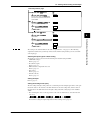
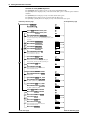
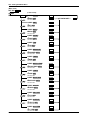
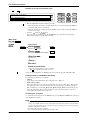
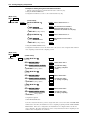
(Main menu)
SET=
(Lower menu)
MEDIA
ENTER
MEDIA=FLOPPY*1
FLOPPY SCSI
ENTER
IDENTIFY
FLOPPY=DIR
ENTER
SAVE LOAD DIR DELETE INFO FORMAT
FREE
20000BYTES ENTER
>FILE001. DAT 97/06/01 06:30
>FILE002. DAT 97/06/02 10:00
***DIR END***(End of setting)
ESC
*1 Displayed when the SCSI option(/C5) is installed.
SCSI is the SCSI ID number that is connected.
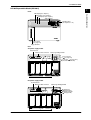
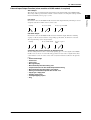
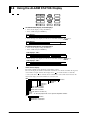
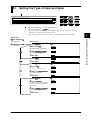
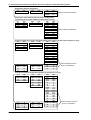
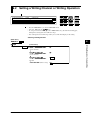
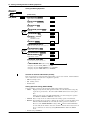
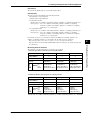
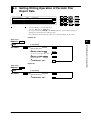
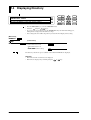
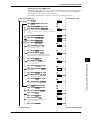
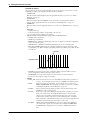
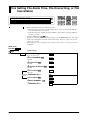
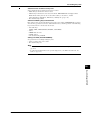
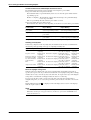
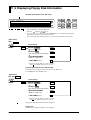
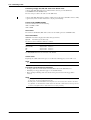
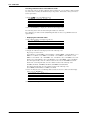
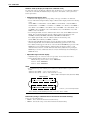
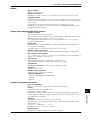
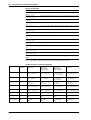
Displaying a directory in the SETUP mode
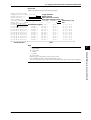
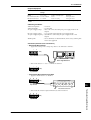
The directory of a floppy disk, MO, ZIP or PD can be displayed in the same way as in the SET
mode.
Select MEDIA from the SETUP menu.
11
(Main menu)
(Lower menu)
MEDIA
ENTER
MEDIA=FLOPPY*1
FLOPPY SCSI
ENTER
IDENTIFY
FLOPPY=DIR
ENTER
SAVE LOAD DIR DELETE INFO FORMAT
FREE
20000BYTES ENTER
>FILE001. DAT 97/06/01 06:30
>FILE002. DAT 97/06/02 10:00
***DIR END***(End of setting)
ESC
*1 Displayed when the SCSI option(/C5) is installed.
SCSI is the SCSI ID number that is connected.
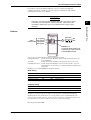
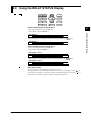
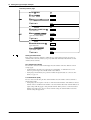
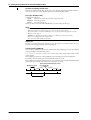
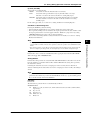
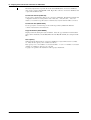
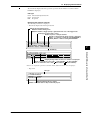
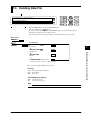
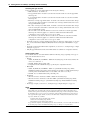
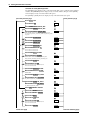
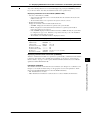
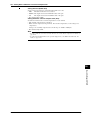
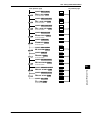
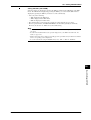
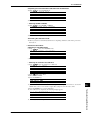
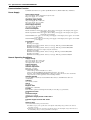
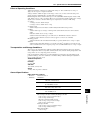
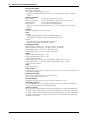
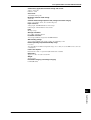
The floppy disk, MO, ZIP or PD directory and the free space available on the built-in RAM disk
are displayed.
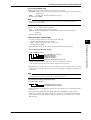
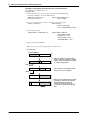
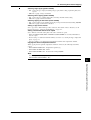
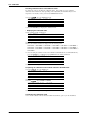
Directory
• The file name and file creation date are displayed.
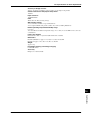
• File names are displayed by switching using the
IM DC100-01E
or
key.
11-5
Working With a File in SET Mode or SETUP Mode
SET UP=