1
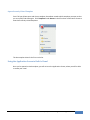
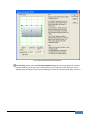
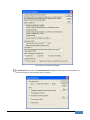
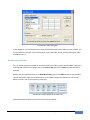
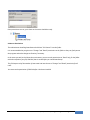
Once permissions are set, your share on the server should be ready.
A Note on Permissions
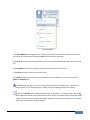
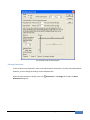
The administrator installing SmartDraw should have “Full Control” over the folder.
It is recommended that you give users “Change” and “Read” permissions to the folder so they can freely access
the program and make changes to libraries if necessary.
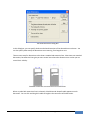
In the event you wish to lock down the environment, you can set the permissions to “Read” only for the folder
with the exception of one file, SDX.DLX (that is created after you install SmartDraw).
This file keeps track of the number of seats used and must be set to “Change” and “Read” permission for all
users.
You must set the permission of SDX.DLX after it has been installed.
| Chapter 5: Exporting, Printing and Sharing a Visual
135