1
Getting Started with SICL
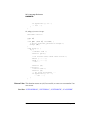
Reviewing a SICL Program
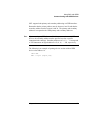
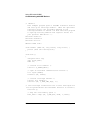
Note
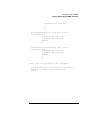
The newline character (\n) in the iprintf and ipromptf functions in
the previous example flushes the output buffer to the device and appends an
END indicator to the newline. Sometimes flushing is needed for the device,
and it is good practice to include this after each instrument command. You
can specify when the buffer is flushed with the SICL isetbuf function.
See Chapter 10 for information on this SICL function.
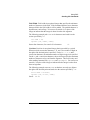
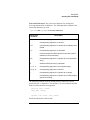
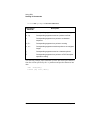
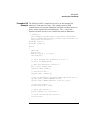
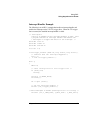
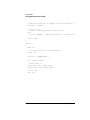
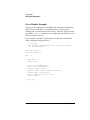
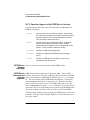
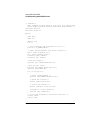
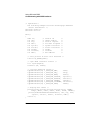
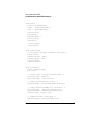
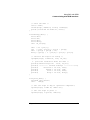
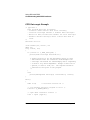
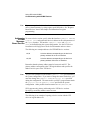
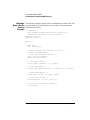
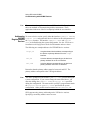
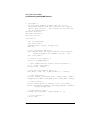
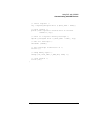
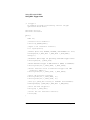
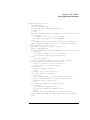
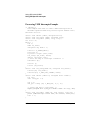
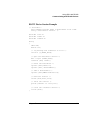
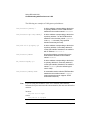
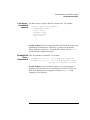
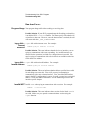
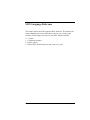
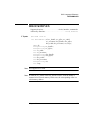
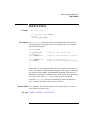
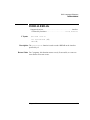
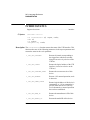
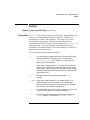
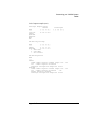
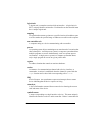
The SICL example program includes the following:
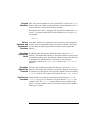
sicl.h This header file must be included at the beginning of your program to
provide the function prototypes and constants defined by SICL.
DEVICE_ This constant is defined specifically for this example. It is used to specify
ADDRESS the device address. This address is then used in the iopen function call.
INST This is a type definition defined by SICL. It is used to represent a unique
identifier that describes a specific device or interface.
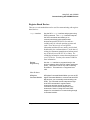
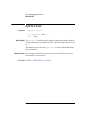
ionerror This is a SICL function that installs an error handler that is automatically
called if any SICL calls result in an error. I_ERROR_EXIT specifies that
the error message is printed out and the program exited.
iopen This SICL function creates a device session with the device attached to the
address specified in DEVICE_ADDRESS constant.
itimeout This function is called to set the length of time that SICL will wait for an
instrument to respond. Different timeout values can be set for different
sessions as needed.
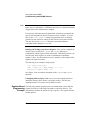
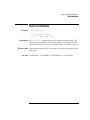
iprintf, These formatted I/O functions are patterned after those used in the C
ipromptf programming language. They support the standard ANSI C format string,
plus added formats defined specifically for instrument I/O.
iclose This function closes the session with the specified device.
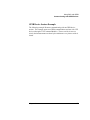
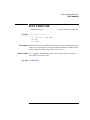
For more details on SICL features, see Chapter 3, "Using SICL." You can
also see Chapter 10 for specifics about these SICL function calls.
28
Chapter 2