1
DGS-3200-10 Layer 2 Gigabit Managed Switch CLI Manual
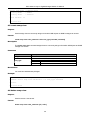
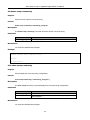
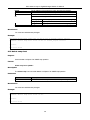
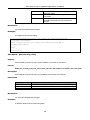
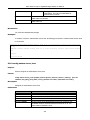
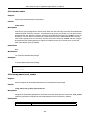
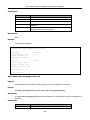
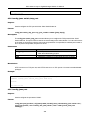
rising
falling
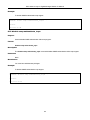
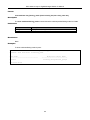
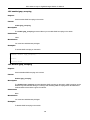
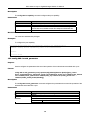
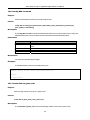
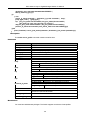
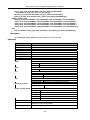
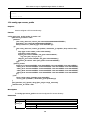
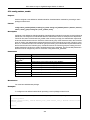
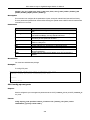
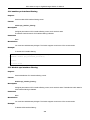
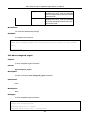
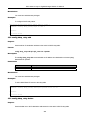
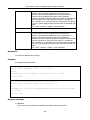
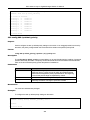
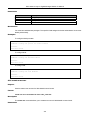
Config utilization rising threshold , the range
is between 20%-100% , if the CPU utilization
is over the rising threshold, the switch enters
exhausted mode.
Config utilization falling threshold , the range
is between 20%-100% , if the CPU utilization
is lower than the falling threshold, the switch
enters normal mode.
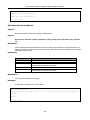
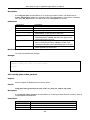
Restrictions
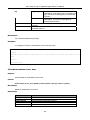
You must have administrator privilege.
Examples
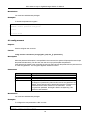
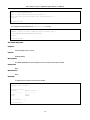
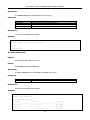
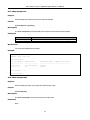
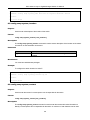
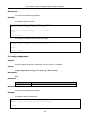
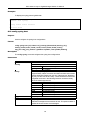
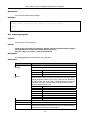
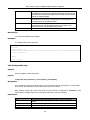
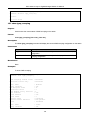
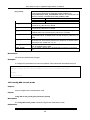
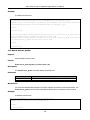
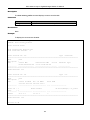
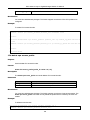
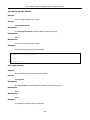
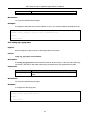
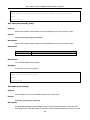
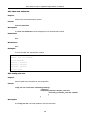
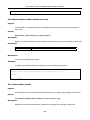
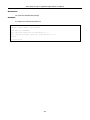
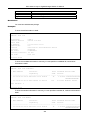
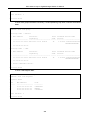
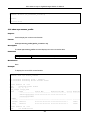
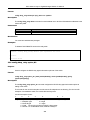
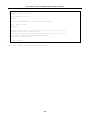
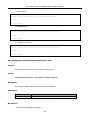
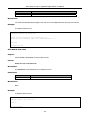
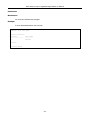
To configure CPU protection:
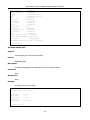
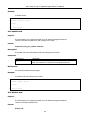
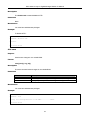
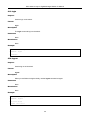
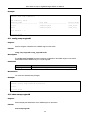
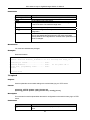
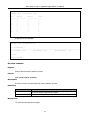
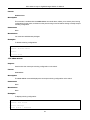
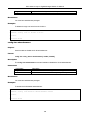
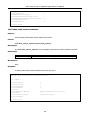
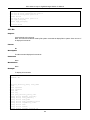
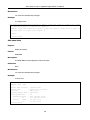
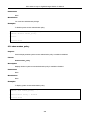
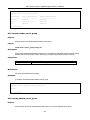
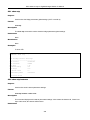
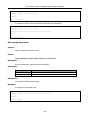
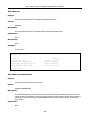
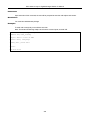
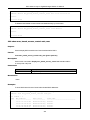
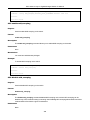
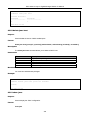
D G S - 3 2 0 0 - 1 0 : 4 #config safeguard_engine state enable utilization rising 50 falling 30 trap_log enable
Command: config safeguard_engine state enable utilization rising 50 falling 30 trap_log enable
Success.
DGS-3200-10:4#
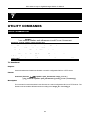
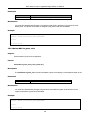
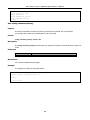
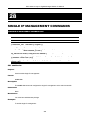
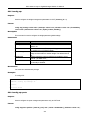
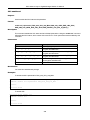
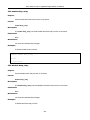
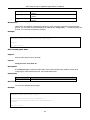
32-2 Show safeguard_engine
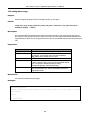
Purpose
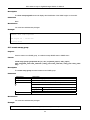
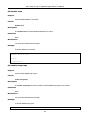
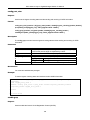
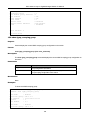
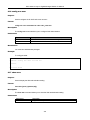
To show safeguard engine information.
Format
Show safeguard_engine
Description
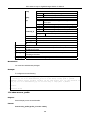
Use this command to show safeguard_engine information.
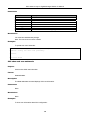
Parameters
None.
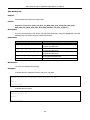
Restrictions
None.
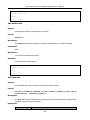
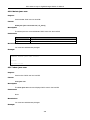
Examples
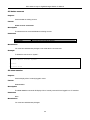
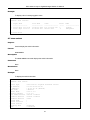
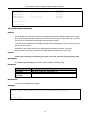
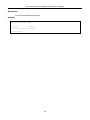
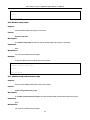
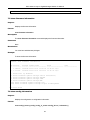
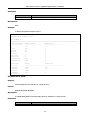
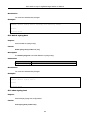
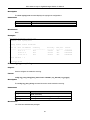
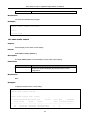
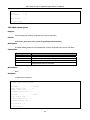
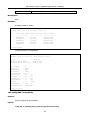
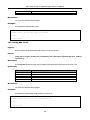
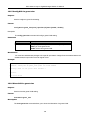
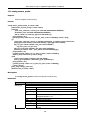
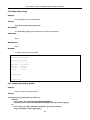
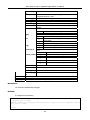
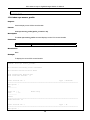
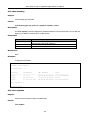
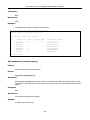
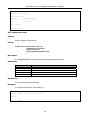
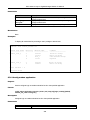
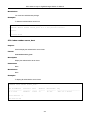
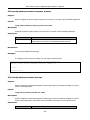
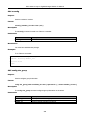
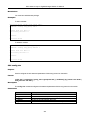
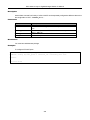
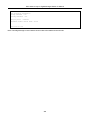
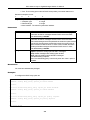
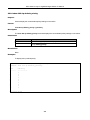
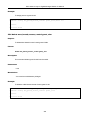
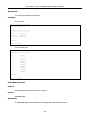
To show safeguard engine information:
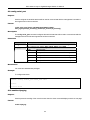
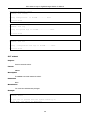
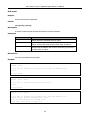
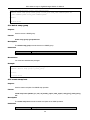
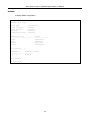
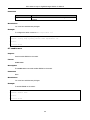
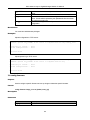
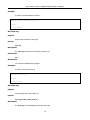
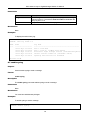
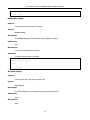
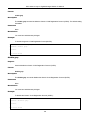
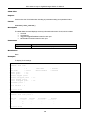
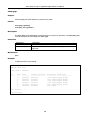
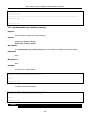
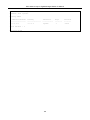
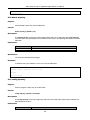
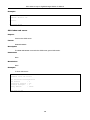
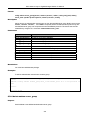
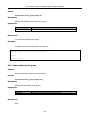
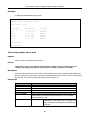
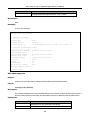
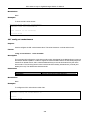
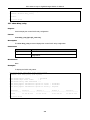
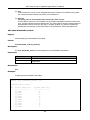
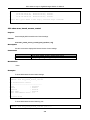
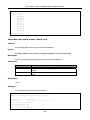
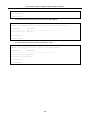
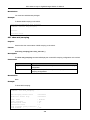
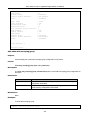
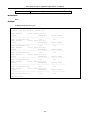
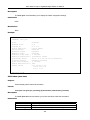
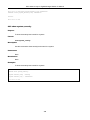
D G S - 3 2 0 0 - 1 0 : 4 #show safeguard_engine
Command: show safeguard_engine
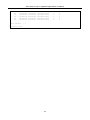
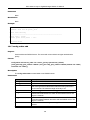
Safeguard engine state : Enabled
Safeguard engine current status : exhausted mode
261