1
DGS-3200-10 Layer 2 Gigabit Managed Switch CLI Manual
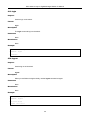
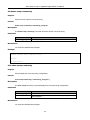
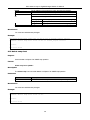
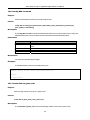
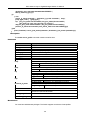
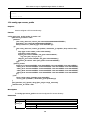
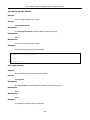
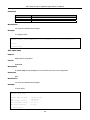
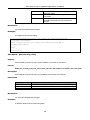
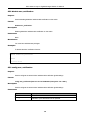
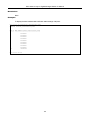
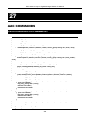
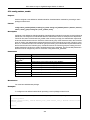
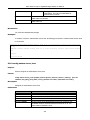
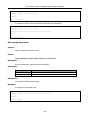
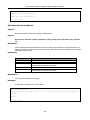
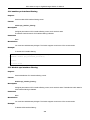
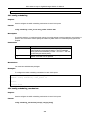
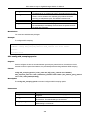
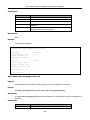
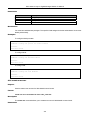
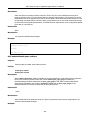
ms_chap
ms_chapv2
eap_m d5
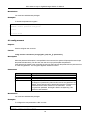
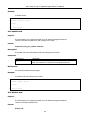
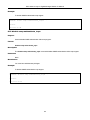
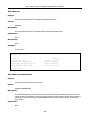
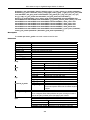
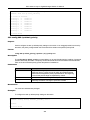
JWAC Switch uses MS-CHAP to communicate with the RADIUS
Server
JWAC Switch uses MS-CHAPv2 to communicate with the RADIUS
Server
JWAC Switch uses EAP MD5 to communicate with the RADIUS
Server
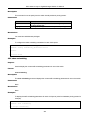
Restrictions
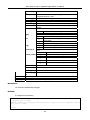
JWAC share other RADIUS configurations with 802.1x, when using this command to set the RADIUS
protocol, you must make sure the RASIUS server added by the “config radius …” command supports the
protocol. You must have administrator privileges.
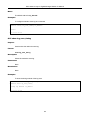
Example
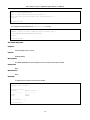
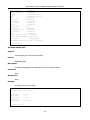
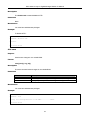
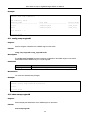
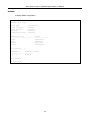
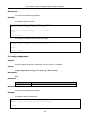
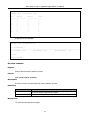
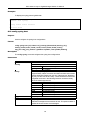
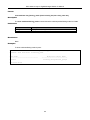
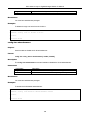
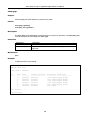
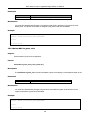
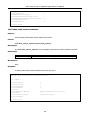
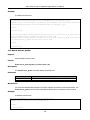
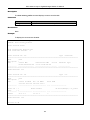
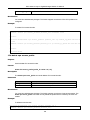
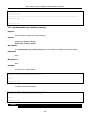
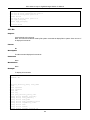
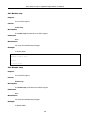
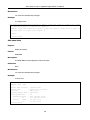
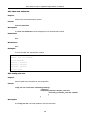
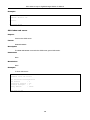
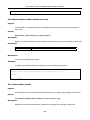
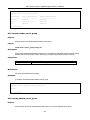
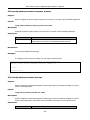
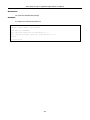
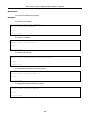
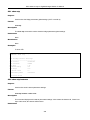
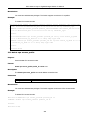
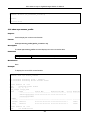
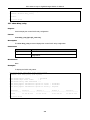
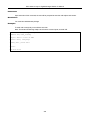
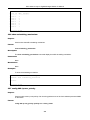
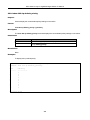
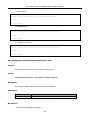
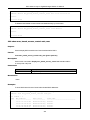
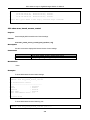
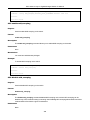
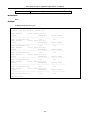
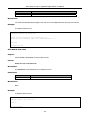
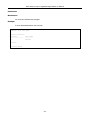
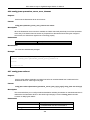
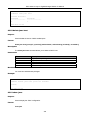
DGS-3200-10:4# config jwac radius_protocol ms_chapv2
Command: config jwac radius_protocol ms_chapv2
Success.
DGS-3200-10:4#
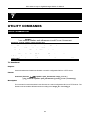
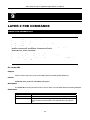
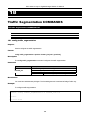
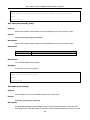
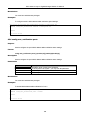
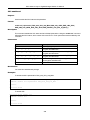
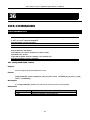
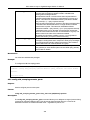
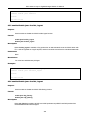
43-15 create jwac user
Purpose
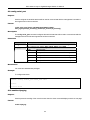
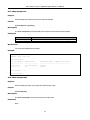
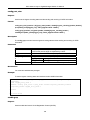
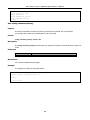
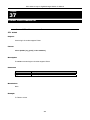
Used to create JWAC user into local DB.
Format
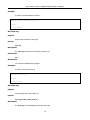
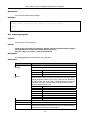
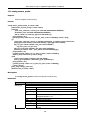
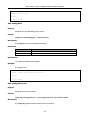
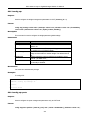
create jwac user <username 15>
Description
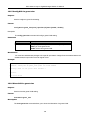
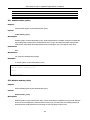
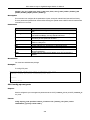
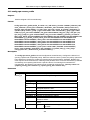
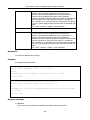
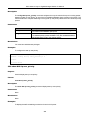
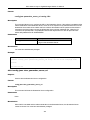
The create jwac user command creates JWAC users in the local DB. When “local” is chosen while
configuring the JWAC RADIUS protocol, the local DB will be used.
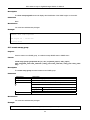
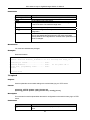
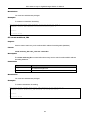
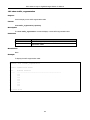
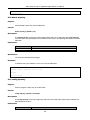
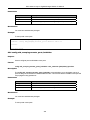
Parameters
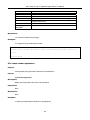
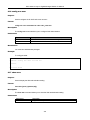
Parameters
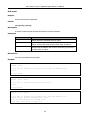
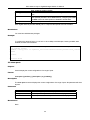
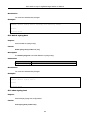
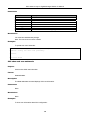
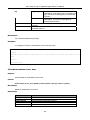
<username 15>
Description
The user name to be created
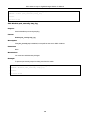
Restrictions
You must have administrator privileges.
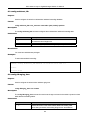
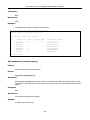
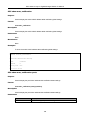
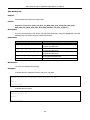
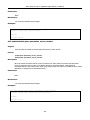
Example
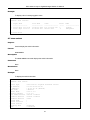
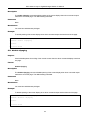
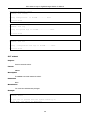
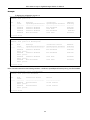
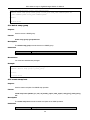
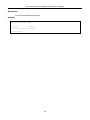
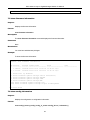
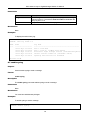
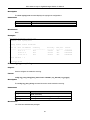
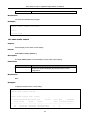
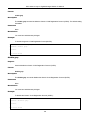
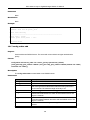
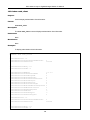
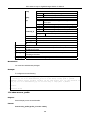
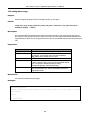
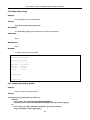
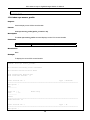
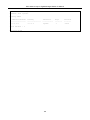
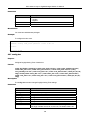
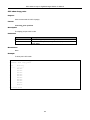
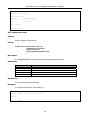
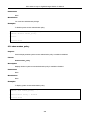
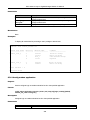
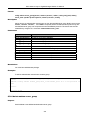
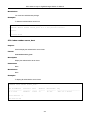
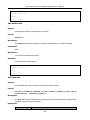
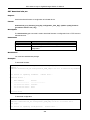
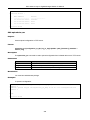
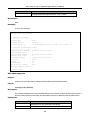
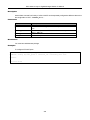
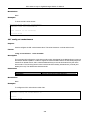
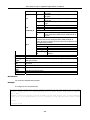
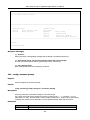
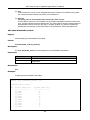
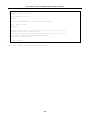
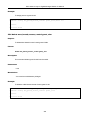
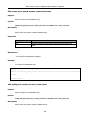
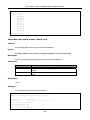
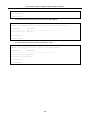
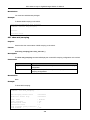
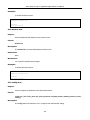
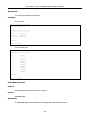
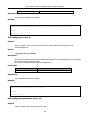
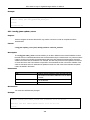
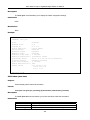
DGS-3200-10:4# create jwac user 112233
Command: create jwac user 112233
Enter a case-sensitive new password:***
Enter the new password again for confirmation:***
Success.
DGS-3200-10:4#
331