1
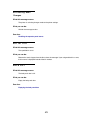
NPA Mode
Purpose:
To specify whether the printer performs the special processing required for bidirectional
communication, following the conventions defined in the Network Printing Alliance (NPA) Protocol.
Values:
Off
Printer does not perform NPA processing.
Auto*
Printer examines the data to determine the format and then processes it appropriately.
Note: Changing this menu item automatically resets the printer.
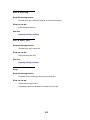
PCL SmartSwitch
Purpose:
To configure the printer so it automatically switches to PCL emulation when a print job received
through the infrared port requires it, regardless of the default printer language.
Values:
On*
Printer examines the data on the infrared interface and selects PCL emulation if the data
indicates that is the required printer language.
Off
Printer does not examine the incoming data. The printer uses PostScript emulation to
process the job if PS SmartSwitch is On, or uses the default printer language specified in the
Setup Menu if PS SmartSwitch is Off.
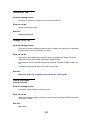
See also:
PS SmartSwitch; Printer Language
258