1
EZ-GARN Installation and User’s Guide
2.
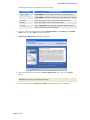
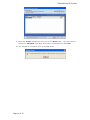
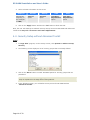
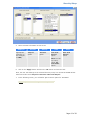
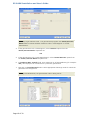
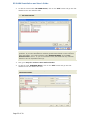
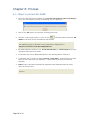
To add the custom table ‘EZ-GARN SETUP’, click on the ‘Add’ button and go into that
detailed screen and add this table
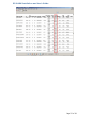
Note: You must enter the custom table exactly as shown in the screenshot below,
i.e. ‘EZ-GARN SETUP’.
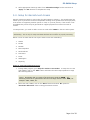
Note: EZ-GARN calculates garnishments based on the Federal Minimum Wage
guideline. If you want EZ-GARN to calculate garnishments based on this minimum
wage calculation, you need to add the code ‘MINIMUM WAGE’ in the ‘UserDefined Codes’ screen. If you do not add this code, EZ-GARN will only calculate
based on 25% of disposable earnings.
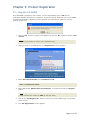
3.
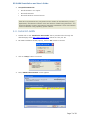
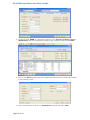
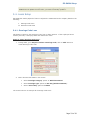
Now, go to Payroll>>Rules>>User Defined Codes
4.
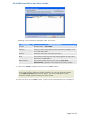
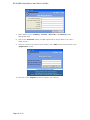
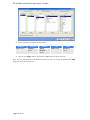
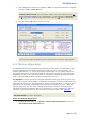
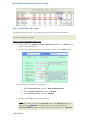
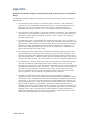
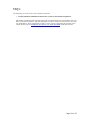
To add the code ‘MINIMUM WAGE’, click on the ‘Add’ button and go into that
detailed screen and define this code
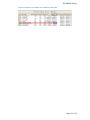
Note: You must enter the code exactly as shown in the screenshot below, i.e.
‘MINIMUM WAGE’.
Page 22 of 30