1
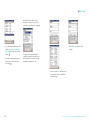
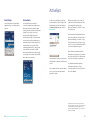
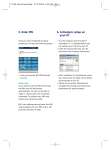
5. Enter PIN
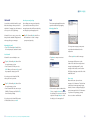
6. ActiveSync setup on
your PC
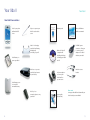
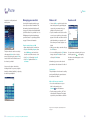
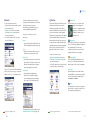
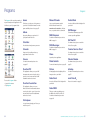
Once you have completed the setup
process you will see the following screen:
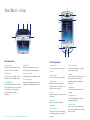
• Your PC needs to have Microsoft
ActiveSync 3.7 installed before you can
connect your Xda II to your PC
• Insert the CD provided into your PC
and follow the on-screen instructions
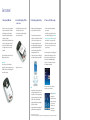
• Enter your pre-set SIM PIN followed
by Enter
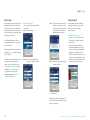
• After installation of the software, insert
your Xda II into its cradle, which should
be connected to your PC
• Follow the on-screen instructions to
complete the process, and choose your
preferences for synchronisation
Please note:
If you enter the wrong PIN three times,
the SIM card will be blocked
automatically. You will not be able to
make or receive calls until it has been
unblocked. To unblock your SIM card
contact your service provider.
Irish customers should enter the PUK
code supplied with your SIM card or call
Customer Services on 1909.