1
2 AsTrend - Operation
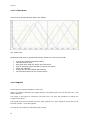
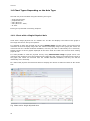
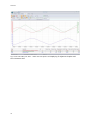
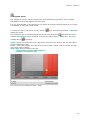
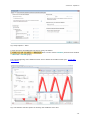
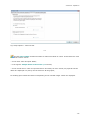
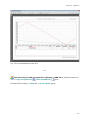
By default, the chart has a range determined on the basis of the variable definition
database, e.g. 0-10000.
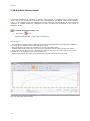
2.17.7 Replacing a Variable
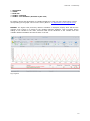
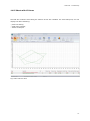
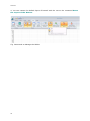
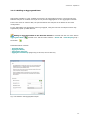
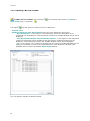
To replace a variable (preserving attributes such as a colour etc.), use:
•
the button
•
use the button
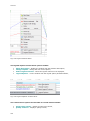
from: AsTrend main window > Graph tab > Graph Operations group;
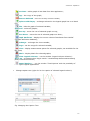
from the legend context menu;
Neither of the above listed option is available unless a database of variable definitions is openand
and the variable is selected (clicking a Name field within the legend automatically selects the
variable).
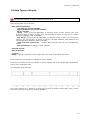
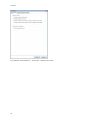
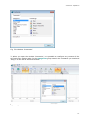
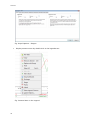
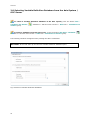
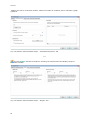
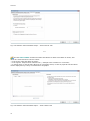
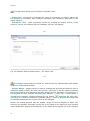
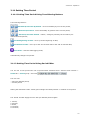
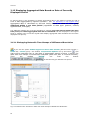
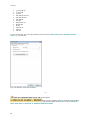
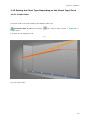
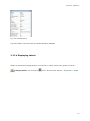
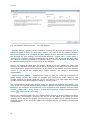
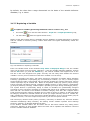
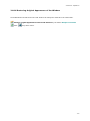
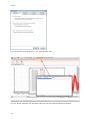
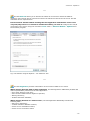
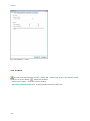
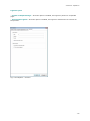
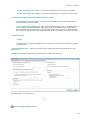
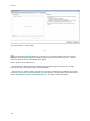
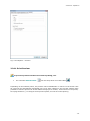
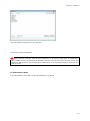
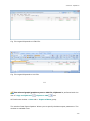
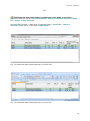
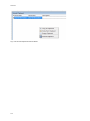
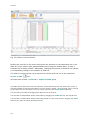
Fig. The Window for Replacing a Variable.
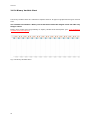
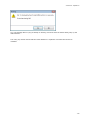
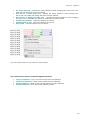
Enter new variable name. If the checkbox Keep Value of Displayed Range is set, the variable
range will be taken from the legend, otherwise – from the variable definition database. Confirm
with the OK button (or press the ENTER key). The entered variable name appears next to the
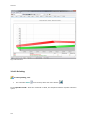
text box in the color assigned to its graph. This way one can easily check whether the entered
variable is correct (if more instances of the same variable is on the chart).
Funkcja ta przydatna jest wtedy, jeśli nazwy zmiennych oznaczane są według jakiejś jednolitej
konwencji (przykładowo rozpoczynają się od określonych znaków, np. "B1") i chcemy szybko
zmienić definicję trendu w taki sposób, aby na wykresie pojawiły się wartości zmiennych, których
nazwa rozpoczyna się od znaków "B2". Można to oczywiście zrobić przy pomocy innych funkcji,
kolejno usuwając określoną zmienną, następnie dodając zmienną o nowej nazwie i przydzielając
jej atrybuty zmiennej usuniętej. Jednak szybsze i prostsze jest użycie funkcji zmieniającej nazwę.
The replace function is particularly handy if names of variables are systematically assigned
according to some convention. Suppose for example that names of all variables of some category
start with “B1” and names of all variables of another category start with “B2”. Suppose that a
trend presents some B1-category variables and you want to quickly re-define it so that equivalent
B2-category variables are charted instead. Of course you might manually remove a variable B1,
add a variable B2, assign to it the removed B1 variable attributes, an so on for the whole group of
variables. However, it is much simpler and quicker to just use the replace function.
Jeśli otworzymy okienko zmiany nazwy zmiennej i klikniemy na klawisz OK, wówczas zostanie
dokonana aktualizacja danej zmiennej. Do definicji trendu zostanie wpisana nowa definicja
zmiennej, zgodnie z jej bieżącą deklaracją w bazie.
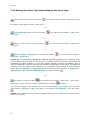
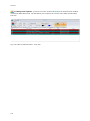
If the window 'Variable Name' will be closed with its OK button without any editing action
performed, definition of that variable within the trend will be updated with definition retrieved
from the variable definition database.
99