1
RCP-ME Connection Editor
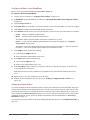
The RCP-ME Connection Editor enables users to configure the device details, such as the name and group, the
network settings, and the server connections.
Opening the RCP-ME Connection Editor
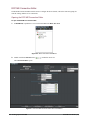
To open the RCP-ME Connection Editor:
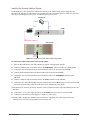
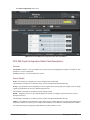
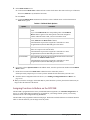
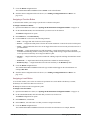
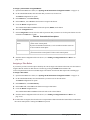
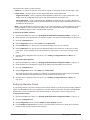
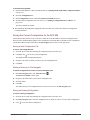
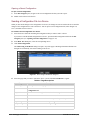
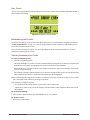
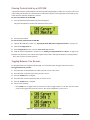
1. In DashBoard, expand the tree view for the RCP-ME in the Basic Tree View.
Figure 4.2 Basic Tree View in DashBoard
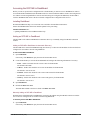
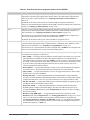
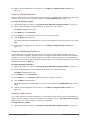
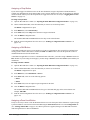
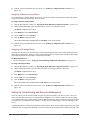
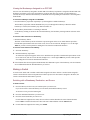
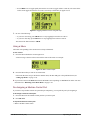
2. Double-click the Connection icon (
) within the device tree.
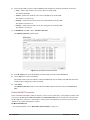
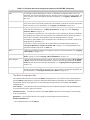
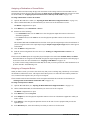
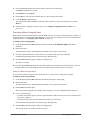
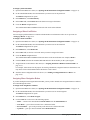
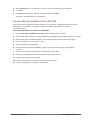
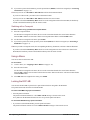
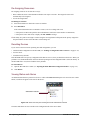
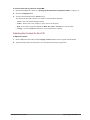
The Connection Editor opens.
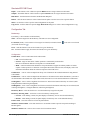
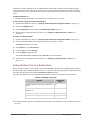
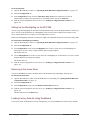
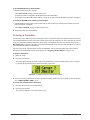
Figure 4.3 The RCP-ME Connection Editor tab in DashBoard
4–2 • Setting Up the RCP-ME
RCP-ME User Guide (v01)