1
MANUAL
TTX 300/COBRA Offline
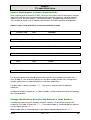
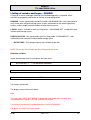
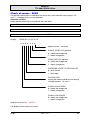
Input of Ident Number Contents (Data Records)
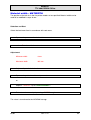
After switching over to the menu: PRINT and mask name input, the five field names and their
input fields, into which the customer code and the respective addresses are to be entered,
appear in series left in the display. The editing functions - programming level/main menu are available for inputs, and, in addition, the functions of the print menu for management.
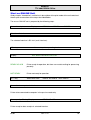
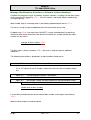
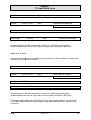
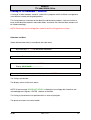
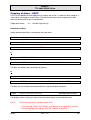
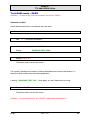
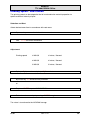
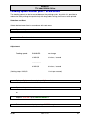
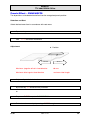
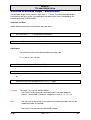
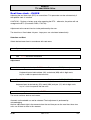
Address input is now possible in accordance with the example
Customer code
Input
AB000001
Company
Input
Automobiles Ltd.
Person
Input
Ms. A. Miller
Street
Input
Baker street SW1 OX3
Place
Input
London
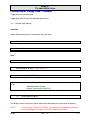
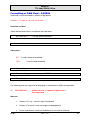
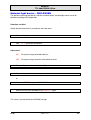
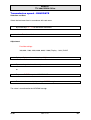
QUANTITY
Input
XXXXX
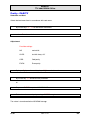
The quantity specification belonging to the data record is also stored on data input (min. 1,
max. 65,000); it is the reference quantity in each ident number printout. Any change of the
quantity specification is to be considered as user data modification.
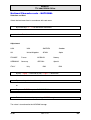
The data input is directly stored by < F5 >; the mask is ready for input of additional
addresses.
An optional number of addresses, i.e. ident numbers, can be entered into the ID file following
the same procedure.
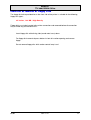
Storage, Modification, Deletion, and Printout of Ident Numbers
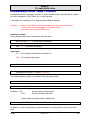
Condition for processing of ID numbers and their contents is that the data record of the
respective ID number is read-in by < F7 >. If the ident number is. not found depress optional
key and again operate < F7 >.
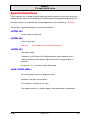
Ident number input in ascending order is possible by repeated depression of < F7 >
05/02
Rev. 1.12
56