1
CaseScheduler 2.2
Software Instruction Manual
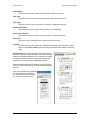
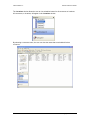
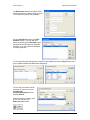
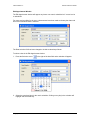
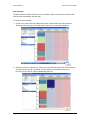
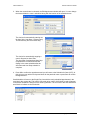
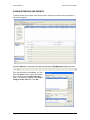
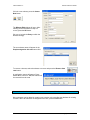
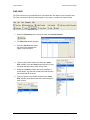
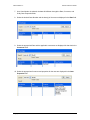
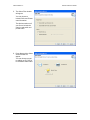
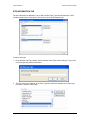
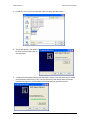
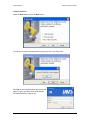
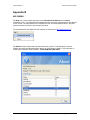
5. The Select Files window
will appear.
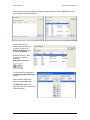
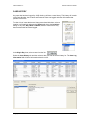
You can choose to
include Public and Private
case information.
The Options section se if
you want to include the
case log and public and
private notes.
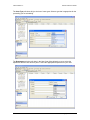
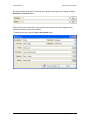
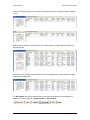
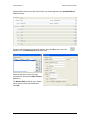
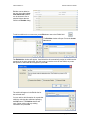
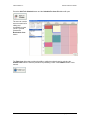
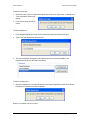
6. Press Next and the Select
Action window will
appear.
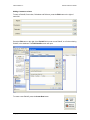
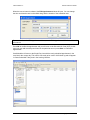
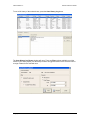
You can choose to want
to publish on CD, DVD or
to a Network Share folder.
Copyright JAVS 1981-2008
48