1
Configuring the Master Controller’s Ethernet Settings
Configuring the Master Controller’s LAN Settings
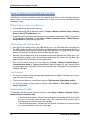
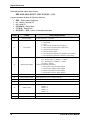
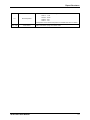
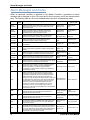
This section describes how to properly configure the Master Controller’s Ethernet module (XPort
module) so you can establish a remote Ethernet connection to the Master Controller. The
module has been preconfigured by Biomark prior to shipping so your Master Controller is ready
to be connected to your LAN upon installation. Changes may be necessary, however, if a
firmware upgrade becomes available for the Lantronix XPort module or if your local network
requires changes to the configuration.
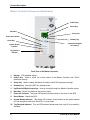
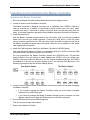
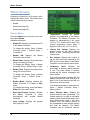
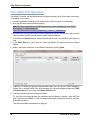
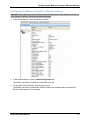
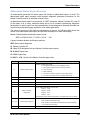
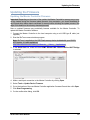
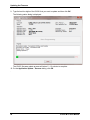
To perform these changes, an extended configuration utility is available from Lantronix called
the Lantronix DeviceInstaller. This free Windows-based application will scan your network for
Lantronix devices (the Master Controller uses Lantronix XPort Ethernet module) and will display
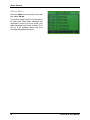
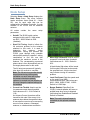
the devices it finds. For example:
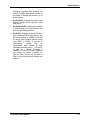
Note: For additional information see the Lantronix XPort User Guide, available from the
Lantronix Web site: http://www.lantronix.com/pdf/XPort_UG.pdf.
This utility is available at:
http://www.lantronix.com/device-networking/utilities-tools/device-installer.html
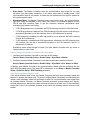
The utility will allow you to:
•
Load the appropriate firmware
•
Assign IP & other network specific addresses
•
Load custom web pages
•
Enable web-based configuration of the device server
•
Ping or query the attached device(s) over the network
•
Allow Telnet communication with the device(s)
•
View specific device data files
IS1001-MTS User Manual
59