1
Focus and Shutter Release
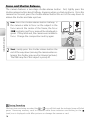
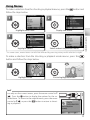
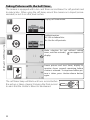
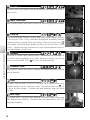
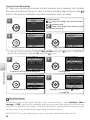
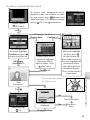
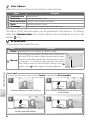
The camera features a two-stage shutter-release button. First, lightly press the
shutter-release button about halfway, stopping when you feel resistance. Once the
camera has focused, press the shutter-release button the rest of the way down to
release the shutter and take a picture.
Camera Operations
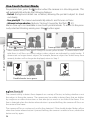
1
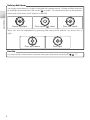
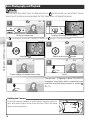
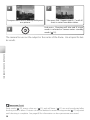
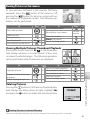
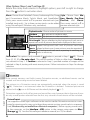
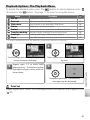
Focus: Press the shutter-release button halfway. If
the camera is able to focus on the subject in the
focus area at the center of the frame, the focus
(AF●) indicator and focus area will be displayed in
green. If they blink red, the camera was unable to
focus. Change the composition and try again.
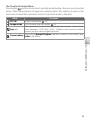
2
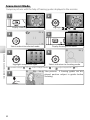
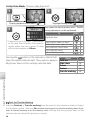
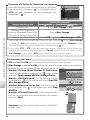
Shoot: Gently press the shutter release button the
rest of the way down (moving the camera when releasing the shutter may result in blurred pictures).
The flash may fire if the subject is poorly lit.
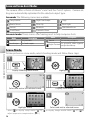
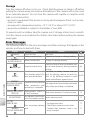
During Recording
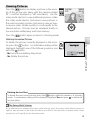
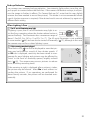
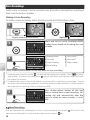
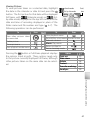
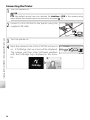
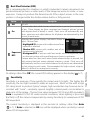
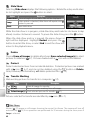
While pictures are being recorded, the or icon will blink and the indicator lamp will blink
green. Removing memory cards or batteries while these indicators are blinking or the
(wait) icon is displayed could affect pictures or damage the camera or card.
16