1
GigaX1104PS User's Manual
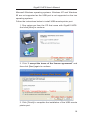
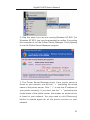
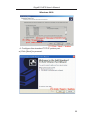
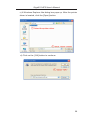
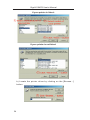
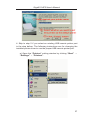
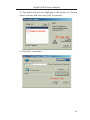
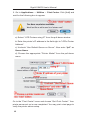
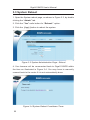
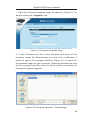
c) A Windows Explorer-like dialog box pops up. After the printer
driver is located, click on the [OK] button.
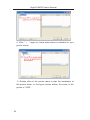
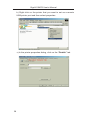
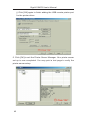
d) Click on the [OK] button to continue.
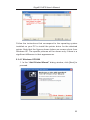
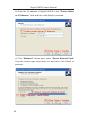
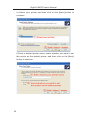
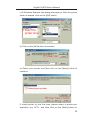
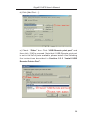
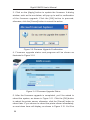
e) Select your printer and then click on the [Next] button to
continue.
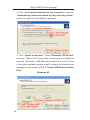
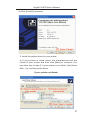
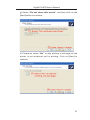
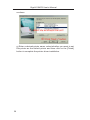
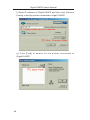
f) Install printer for the first time, please select a printer port
available, e.g. LPT1, and then click on the [Next] button to
35