1
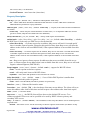
• for
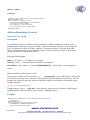
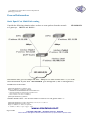
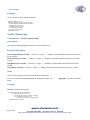
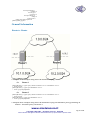
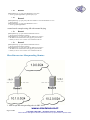
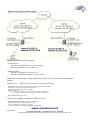
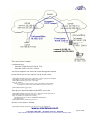
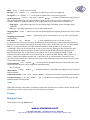
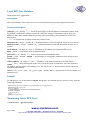
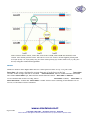
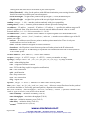
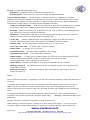
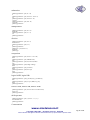
Router1
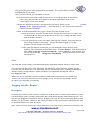
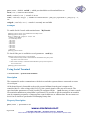
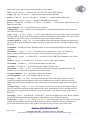
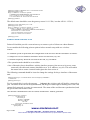
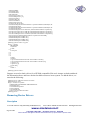
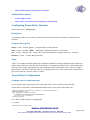
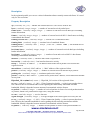
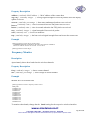
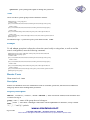
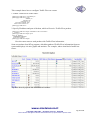
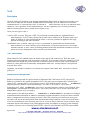
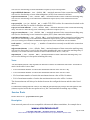
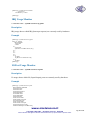
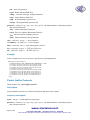
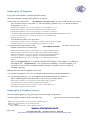
[admin@Router1] > ip firewall nat add chain=srcnat src-address=10.1.0.0/24 \
\... dst-address=10.2.0.0/24
[admin@Router1] > ip firewall nat add chain=srcnat out-interface=public \
\... action=masquerade
• for
Router2
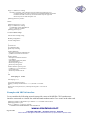
[admin@Router2] > ip firewall nat chain=srcnat add src-address=10.2.0.0/24 \
\... dst-address=10.1.0.0/24
[admin@Router2] > ip firewall nat chain=srcnat add out-interface=public \
\... action=masquerade
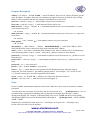
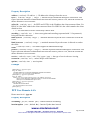
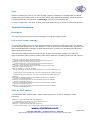
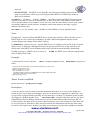
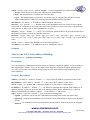
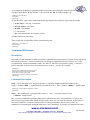
2. configure IPsec
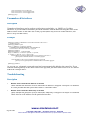
• for
Router1
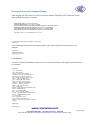
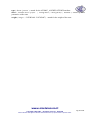
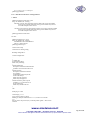
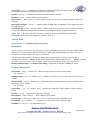
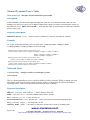
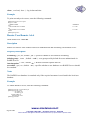
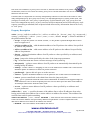
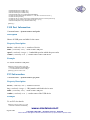
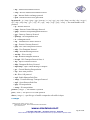
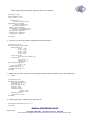
[admin@Router1] > ip ipsec policy add src-address=10.1.0.0/24 \
\... dst-address=10.2.0.0/24 action=encrypt tunnel=yes \
\... sa-src-address=1.0.0.1 sa-dst-address=1.0.0.2
[admin@Router1] > ip ipsec peer add address=1.0.0.2 \
\... exchange-mode=aggressive secret="gvejimezyfopmekun"
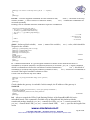
• for
Router2
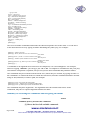
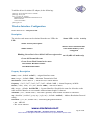
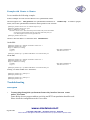
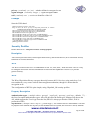
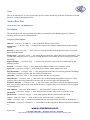
[admin@Router2] > ip ipsec policy add src-address=10.2.0.0/24 \
\... dst-address=10.1.0.0/24 action=encrypt tunnel=yes \
\... sa-src-address=1.0.0.2 sa-dst-address=1.0.0.1
[admin@Router2] > ip ipsec peer add address=1.0.0.1 \
\... exchange-mode=aggressive secret="gvejimezyfopmekun"
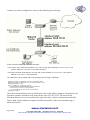
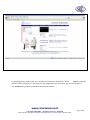
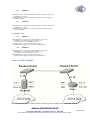
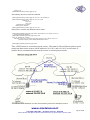
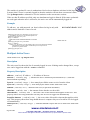
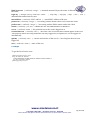
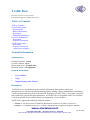
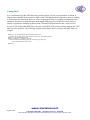
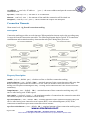
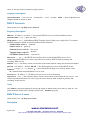
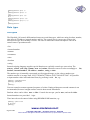
router to CISCO Router
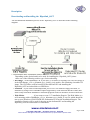
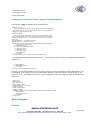
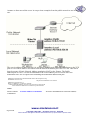
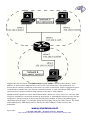
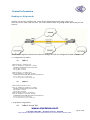
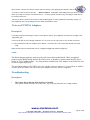
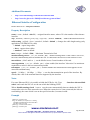
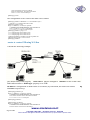
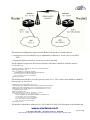
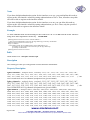
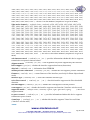
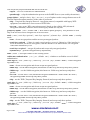
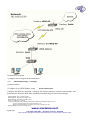
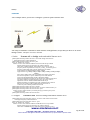
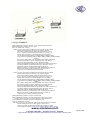
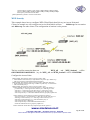
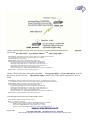
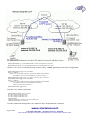
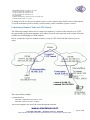
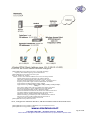
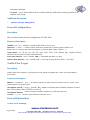
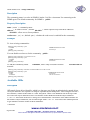
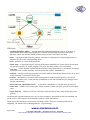
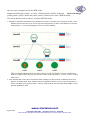
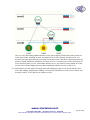
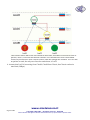
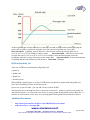
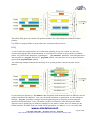
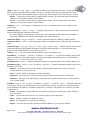
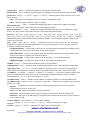
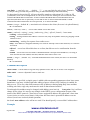
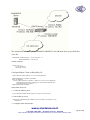
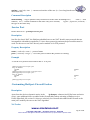
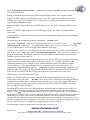
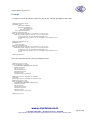
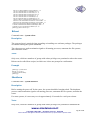
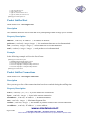
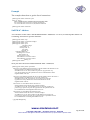
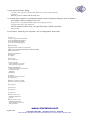
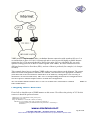
We will configure IPsec in tunnel mode in order to protect traffic between attached subnets.
www.sicetelecom.it
.
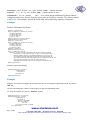
Copyright 1999-2007, . All rights reserved. , Hiperlink
Other trademarks and registred trademarks mentioned herein are properties of their respective owners.
Page 315 of 695