1
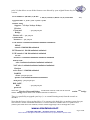
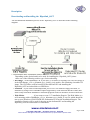
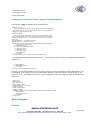
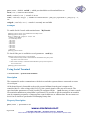
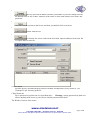
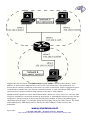
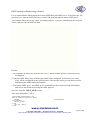
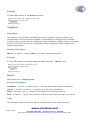
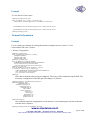
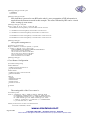
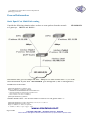
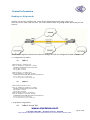
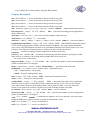
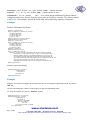
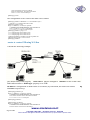
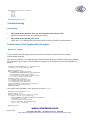
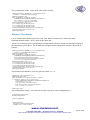
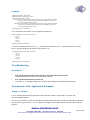
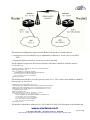
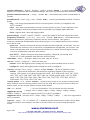
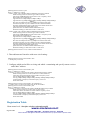
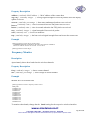
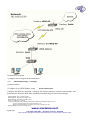
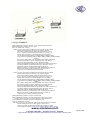
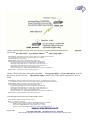
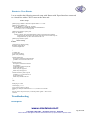
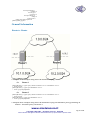
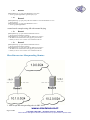
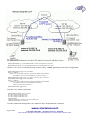
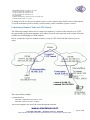
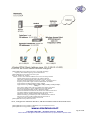
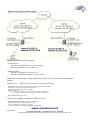
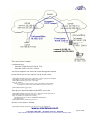
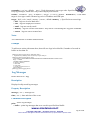
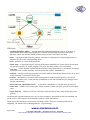
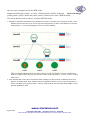
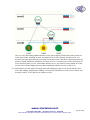
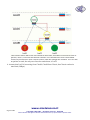
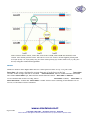
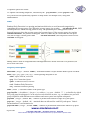
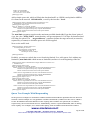
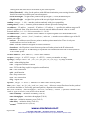
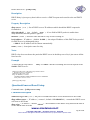
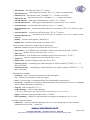
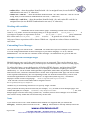
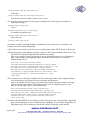
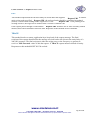
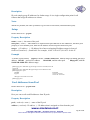
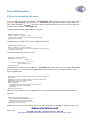
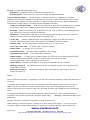
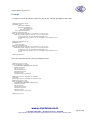
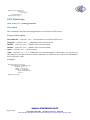
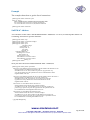
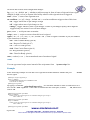
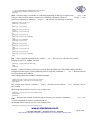
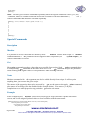
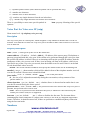
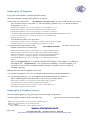
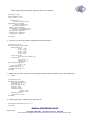
2. On router with IP address
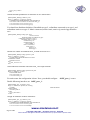
10.1.0.1 , add an EoIP interface and set its MAC address::
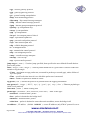
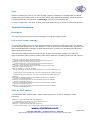
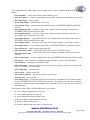
/interface eoip add remote-address=10.5.8.1 tunnel-id=1 mac-address=00-00-5E-80-00-02 \
\... disabled=no
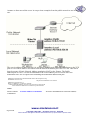
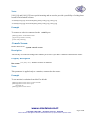
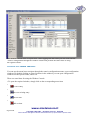
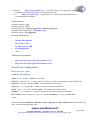
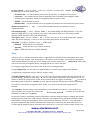
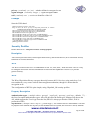
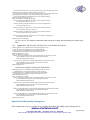
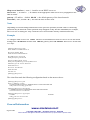
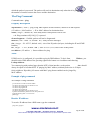
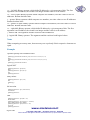
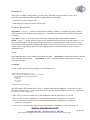
Now you can add IP addresses to the created EoIP interfaces from the same subnet.
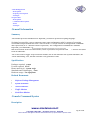
Specifications
Packages required: system
License required: level1 (limited to 1 tunnel) , level3
Home menu level: /interface eoip
Standards and Technologies: GRE (RFC1701)
Hardware usage: Not significant
Related Documents
•
Software Package Management
•
IP Addresses and ARP
•
Bridge
•
PPTP
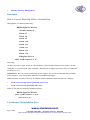
Description
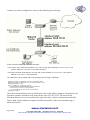
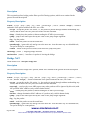
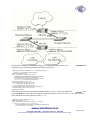
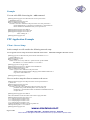
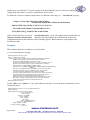
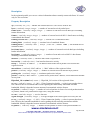
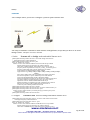
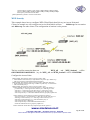
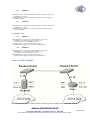
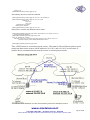
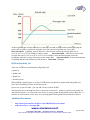
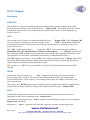
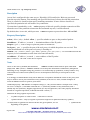
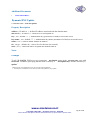
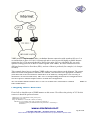
An EoIP interface should be configured on two routers that have the possibility for an IP level
connection. The EoIP tunnel may run over an IPIP tunnel, a PPTP 128bit encrypted tunnel, a
PPPoE connection, or any connection that transports IP.
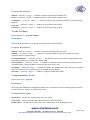
Specific Properties:
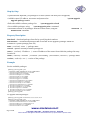
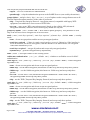
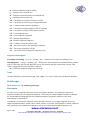
• Each EoIP tunnel interface can connect with one remote router which has a corresponding
interface configured with the same 'Tunnel ID'.
• The EoIP interface appears as an Ethernet interface under the interface list.
• This interface supports all features of an Ethernet interface. IP addresses and other tunnels may
be run over the interface.
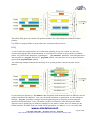
• The EoIP protocol encapsulates Ethernet frames in GRE (IP protocol number 47) packets (just
like PPTP) and sends them to the remote side of the EoIP tunnel.
• Maximal count of EoIP tunnels is 65536.
Notes
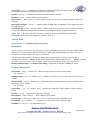
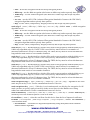
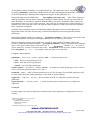
WDS significantly faster than EoIP (up to 10-20% on RouterBOARD 500 systems), so it is
recommended to use WDS whenever possible.
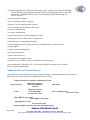
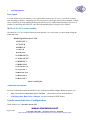
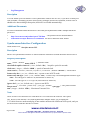
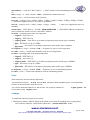
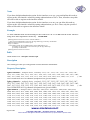
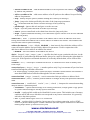
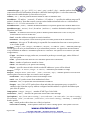
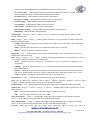
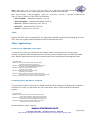
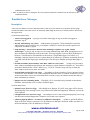
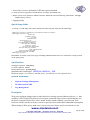
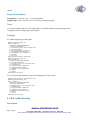
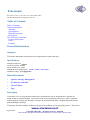
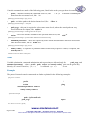
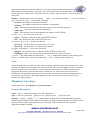
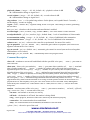
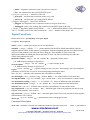
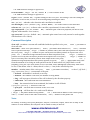
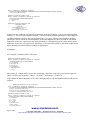
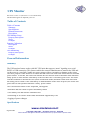
EoIP Setup
Home menu level: /interface eoip
www.sicetelecom.it
Page 298 of 695
.
Copyright 1999-2007, . All rights reserved. , Hiperlink
Other trademarks and registred trademarks mentioned herein are properties of their respective owners.