1
3
Working with Configuration Files
Elements of a Configuration
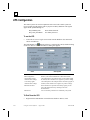
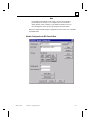
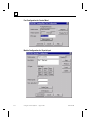
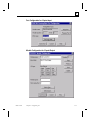
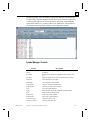
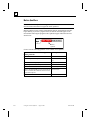
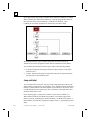
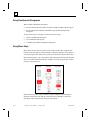
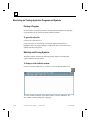
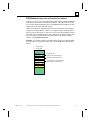
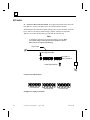
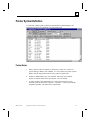
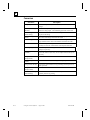
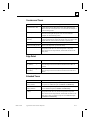
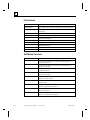
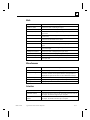
A configuration allows you to define the I/O structure and assign tag names to I/O
points and I/O ports. All configurations have a *.cfg file name.
All configuration operations are performed from the Program Editor.
Creating a New Configuration
1.
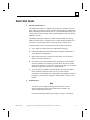
Start the Program Editor.
2.
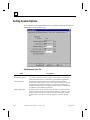
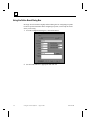
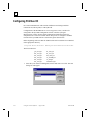
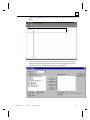
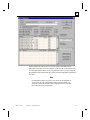
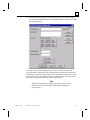
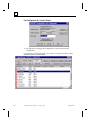
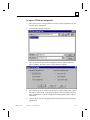
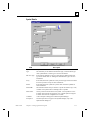
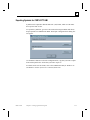
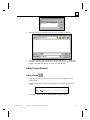
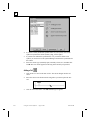
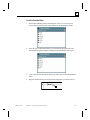
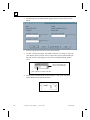
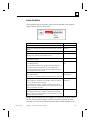
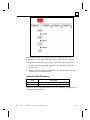
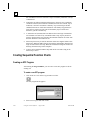
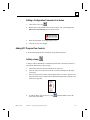
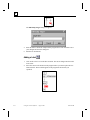
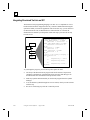
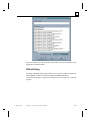
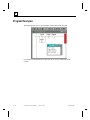
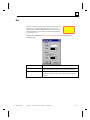
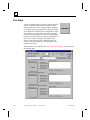
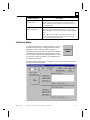
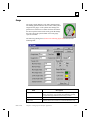
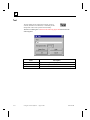
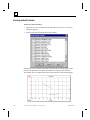
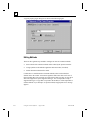
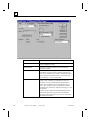
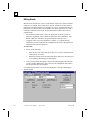
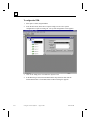
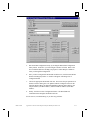
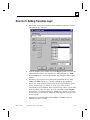
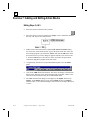
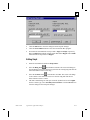
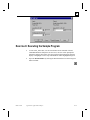
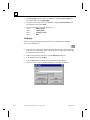
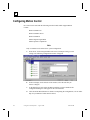
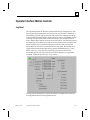
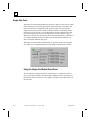
Click File and select New Config. The configuration dialog box appears.
Editing an Existing Configuration File
1.
Start the Program Editor.
2.
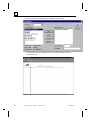
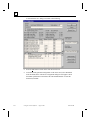
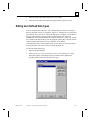
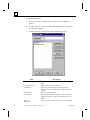
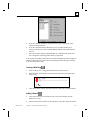
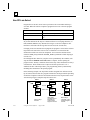
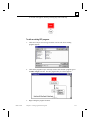
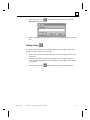
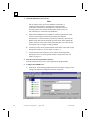
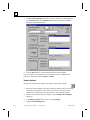
Click File and select Open Config. The configuration dialog box appears.
3.
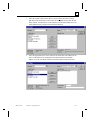
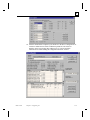
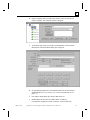
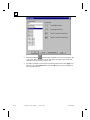
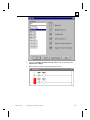
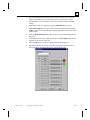
Edit the fields as desired and click Close and Save.
Activating a Configuration File
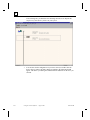
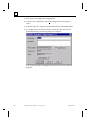
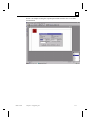
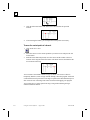
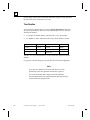
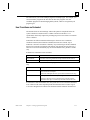
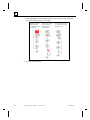
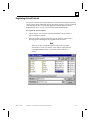
Click Project and select Activate Config to activate a new configuration file for the
active project. The name of the active configuration file is displayed on the lower
status bar of the Program Editor.
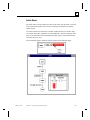
The active file is used by the runtime environment to determine the structure of the
I/O systems and global symbol naming. The active configuration file is also used by
the Program Editor to make system level Input, Output and Memory symbols
available to you while creating programs.
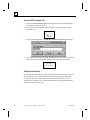
When a new configuration file is activated, active programs may be aborted if
information from the previously active configuration does not exist in the new
configuration. The activation of a configuration file is recorded in the active project.
Whenever that project is opened, the active configuration file for that project will be
activated.
3-4
Using PC Control Software – August 1998
GFK-1424B