1
4
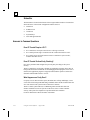
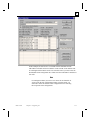
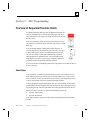
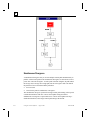
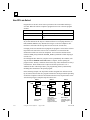
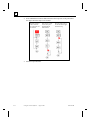
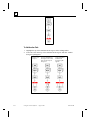
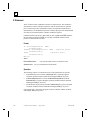
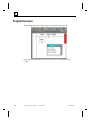
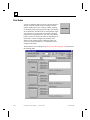
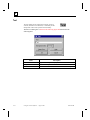
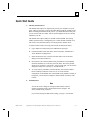
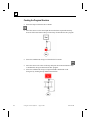
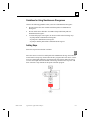
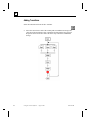
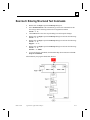
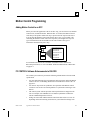
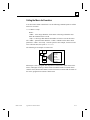
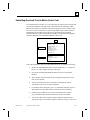
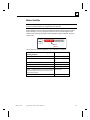
Typically, you separate Steps in an SFC with Transitions, which are program
elements. As an enhancement to the IEC-1131-3 specification, the PC CONTROL
software lets you place a Step immediately before or after another Step, at runtime
the system inserts the required "dummy" transition for you.
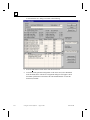
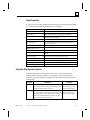
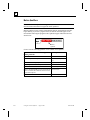
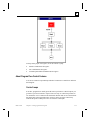
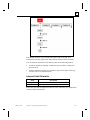
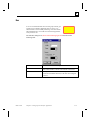
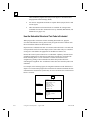
SFC steps can have one of more Actions attached to them. An Action can contain one
or more rungs of ladder logic and uses special Action Qualifiers to control the
execution of the Action.
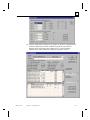
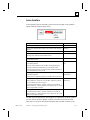
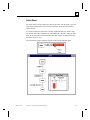
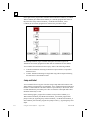
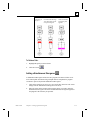
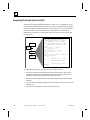
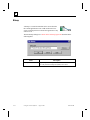
From within a single step you can call another entire SFC (the child) for execution—
a Macro Step. When the child SFC has completed, program control returns to the
macro step that made the call.
4-42
Using PC Control Software – August 1998
GFK-1424B