1
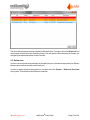
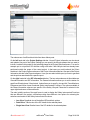
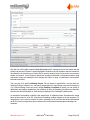
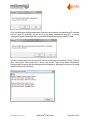
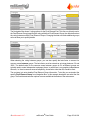
If you want to delete an Initiating Event, select the Initiating Event and click “Delete”. Note that once
deleted the Initiating Event can not be recovered.
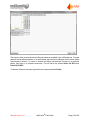
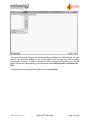
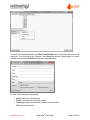
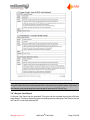
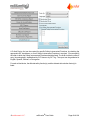
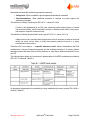
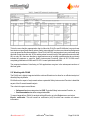
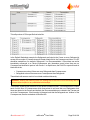
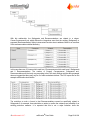
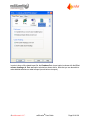
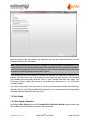
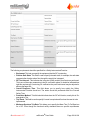
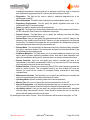
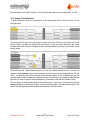
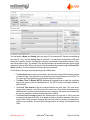
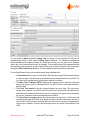
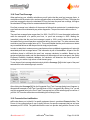
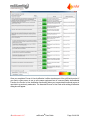
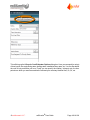
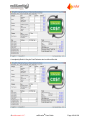
Per initiating event it is also possible to specify Independent Protection Layers to account for nonSIF protection. By clicking the “+” button in the Independent Layers ofProtection area in the
SILect phase, an IPL is automatically added to this Initiating Event.
Comments and assumptions can be documented in the Comments field.
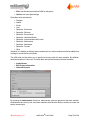
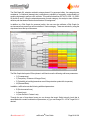
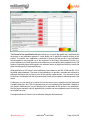
Once the severity level selections are made and while the details of the Initiating Event and
associated Independent Protection Layers are entered, the calculated results, and consequently
Target SIL, will be updated on the lower portion of the SILect screen.
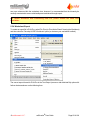
By selecting the menu option “Project – Save” the information will be saved to the project “.exi” file.
7.5 Independent Protection Layers
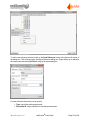
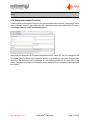
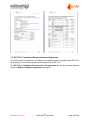
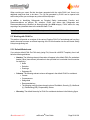
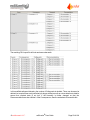
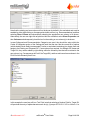
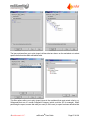
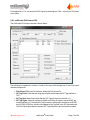
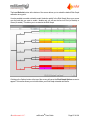
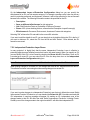
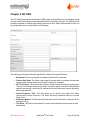
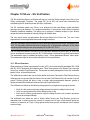
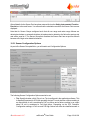
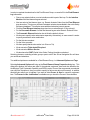
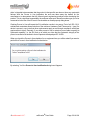
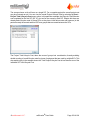
By clicking the “Add” button in the Independent Layers ofProtection area in the SILect phase, an
Independent Protection Layer (IPL) is automatically added to this SIL selection.
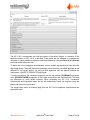
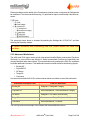
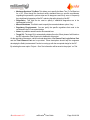
Note: an Independent Layer of Protection can only be considered when the following requirements
for that IPL are met. An IPL needs to be:
l
l
l
l
Specific
Independent
Auditable
Dependable
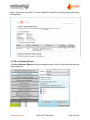
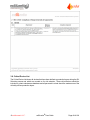
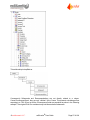
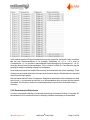
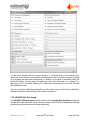
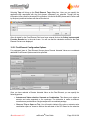
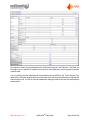
IPLs are added using the Independent Layers ofProtection Configuration dialog box.
© exida.com L.L.C.
exSILentia® User Guide
Page 99 of 168