1
4.7
Reverb
35
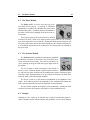
Finally, the Rate knob controls the frequency or rate of the modulation of the
center frequency of the filter. In the case of the Wah Wah effect, turning this knob
clockwise increases the rate of the modulation. In the case of the Auto Wah filter,
this knob controls the time constant of the envelope follower. Turning this knob
clockwise decreases the time constant, or in other words the reaction time, of the
envelope follower.
4.7
Reverb
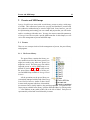
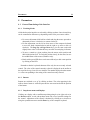
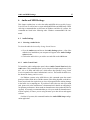
The Reverb module is used to recreate the effect of reflections of sound on the walls of a room or hall. These reflections
add space to the sound and make it warmer, deeper, as well as
more realistic since we always listen to instruments in a room
and thus with a room effect. The Reverb module is switched
on or off by clicking on the green LED in the upper right corner of the module.
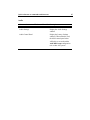
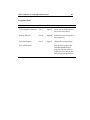
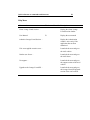
The Reverb drop down menu is used to choose between different reverb algorithms representing different types of rooms or halls. Each algorithm can be
adjusted with the knobs located at the bottom of the module. The Mix knob is used
to set the relative amount of “dry” and “wet” signal which is related to the proximity of the sound source. The Decay is used to control the reverberation time of the
room.