1
Tech500SDE
User Guide R.51
2014
MENU NAVIGATION
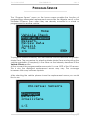
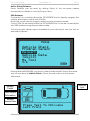
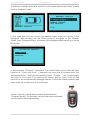
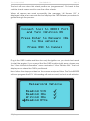
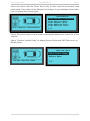
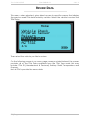
The TECH500SDE tool’s menu system provides a hierarchy of instructions and
commands. The top line of the display will always indicate the current menu
selected. The home key will always return to the Home Menu screen.
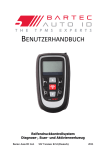
The menu system is navigated by the directional keys:
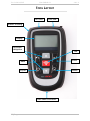
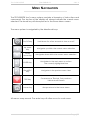
On/Off Key
Hold down for a few seconds to turn on or off
Up Arrow
Key
Navigates up within the current menu selection
Down
Arrow Key
Navigates down within the current menu selection
ENTER Key
Navigates to the next menu or actions
the currently highlighted item
Back/ESC
Key
Navigates to the previous menu item
TEST Key
Commence a TPM test. Only works on
Vehicle Audit Screen
Home Key
Always returns to the Home Menu
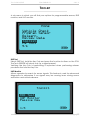
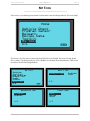
All menus wrap around. The enter key will often move to a sub menu.
P a g e | 11