1
DiskSpace Monitor
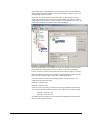
This filter works with the disk space report, only. It can be used to trigger actions
when disk space is running low and / or becoming free again.
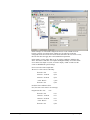
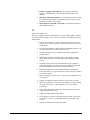
Disk Space left (MB) (Type=Number)
Disk Space left (GB) (Type=Number)
Disk Space left (%)(Type=Number)
Actions
Actions are carried out when the filter conditions of a given rule match.
File Options
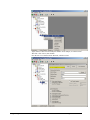
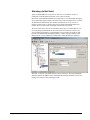
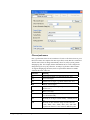
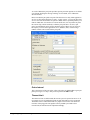
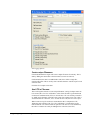
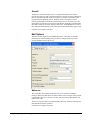
This configuration dialog is available both in the defaults section as well as with file
logging actions.
File logging is used to write text files of received messages. One file per day is
written. New entries are appended to the end of the file.
File locks are released when currently no data is written. Therefore, other
applications can access the files while the service is running. However, please be
sure that the other applications do not place a file-lock onto it. Popular WordPad
does so. In this case, the service will not be able to log any further messages (an error
event is written to the NT event log in this case). We recommend copying the file
when accessing it at runtime - or use notepad.exe, which does not place file-locks on
the files it opens.
The filename is build as follows:
<FilePathName><FileBaseName>-year-month-day.<FileExtension>
with the parameters in brackets being configured via the dialog.
MonitorWareAgent 1.3 User Manual
Configuring MonitorWare Agent • 69