1
Important
The default name for the message field - "Message" is a reserved name on Sybase
database systems. If you would like to log to a Sybase database, you must change
that field name. Otherwise, you will receive an ODBC error (visible in NT Event
Viewer). We are unfortunately not able to change the default, as this would break
many existing logging environments that migrate from WinSyslog to MonitorWare
Agent.
The database conforms to the Common MonitorWare Database Format
For a specification of the database format and samples provided, please see
“Database Format” on page 94.
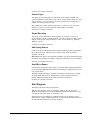
Event Log Options
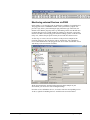
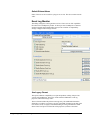
This tab is used to configure the logging to the Windows NT / 2000 or XP event log.
It is primarily included for legacy purposes.
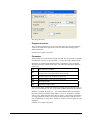
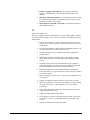
Replace Event Log Source
If checked, a special mapping mechanism is activated. In this mode, the Windows
event source is set to the IP address of the system sending the syslog message. In
addition, the ID is set to syslog facility. This mode helps to quickly gather
information about the system state in Windows event viewer.
However, this mode has its drawbacks. Effectively, we are writing invalid event
source information to the event log. This does not harm any application, but
Windows event viewer will try to locate the matching message libraries. Of course,
this is impossible. As such, event viewer will warn the user that the message library
could not be found. Nevertheless, it will display the complete logged message. This
happens only in detail view.
Users should fully understand the implications of this mapping mechanism for their
environment before turning this option on.
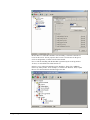
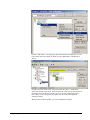
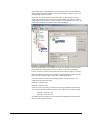
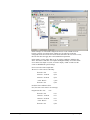
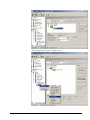
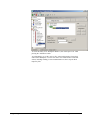
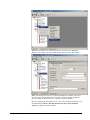
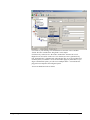
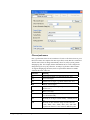
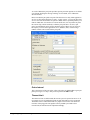
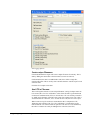
Click here for a sample screen-shot.
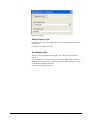
EventType
The type – or severity – this log entry is written with. Select from the available
Windows system values.
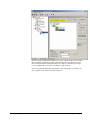
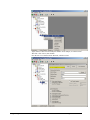
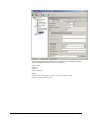
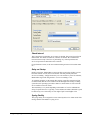
Click here for a sample screen-shot.
MonitorWareAgent 1.3 User Manual
Configuring MonitorWare Agent • 75