1
4 DISTANCE MEASUREMENT
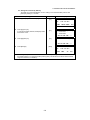
4.7.2 Distance Offset Measurement
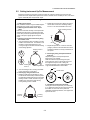
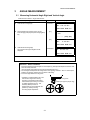
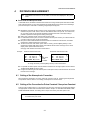
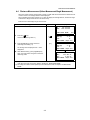
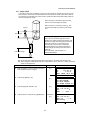
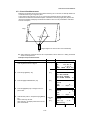
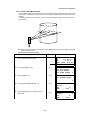
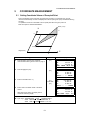
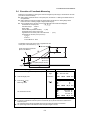
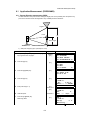
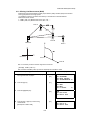
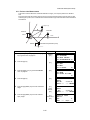
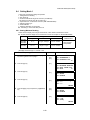
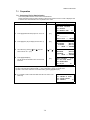
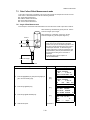
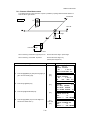
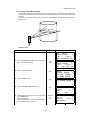
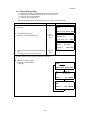
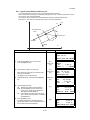
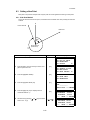
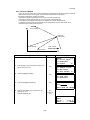
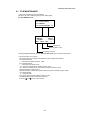
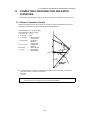
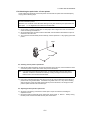
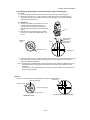
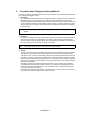
Measuring distance and coordinate of the center of a pond or a tree of which the radius is known.
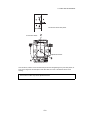
Measuring the distance or coordinate till P0 point, input oHD value as an offset value and measure P1
point showing as following draw in distance offset measurement. The display shows distance or
coordinate value until P0 point.
P1
P0
P1
oHD < 0
oHD >0
In case the measuring point of (P1) is front side than that of requiring
point of (P0), the offset value shall be plus, and if it is rear side, the
offset value shall be minus.
Occ. Point
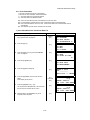
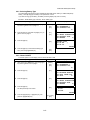
● When setting the coordinate value for the occupied station, refer to Section 5.1 “Setting Coordinate
Values of Occupied Point”.
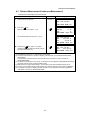
Operating procedure
Operation
Display
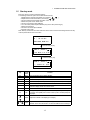
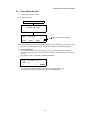
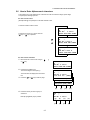
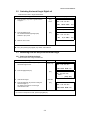
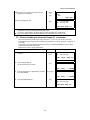
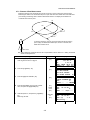
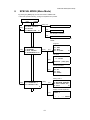
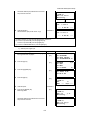
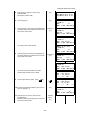
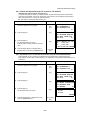
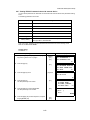
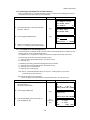
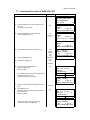
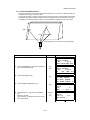
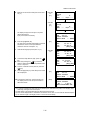
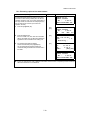
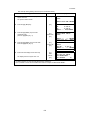
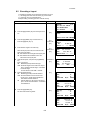
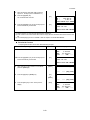
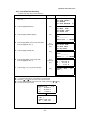
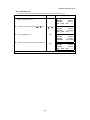
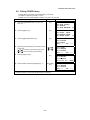
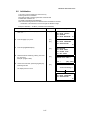
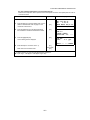
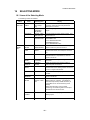
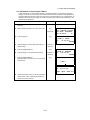
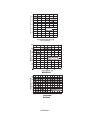
1 Press the [F4](P1↓) key from distance measuring
[F4]
HR: 120°30'40"
HD:
123.456 m
VD:
5.678 m
MEAS MODE NP/P P1↓
OFSET S.O
S/A P2↓
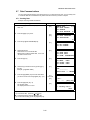
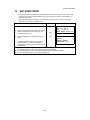
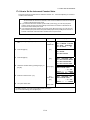
2 Press the [F1](OFSET) key.
[F1]
OFFSET
1/2
F1:ANG.OFFSET
F2:DIST.OFFSET
F3:PLANE OFFSET P↓
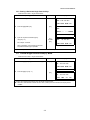
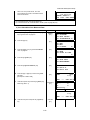
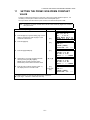
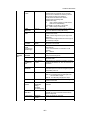
3 Press the [F2](DIST. OFFSET) key.
[F2]
DISTANCE OFFSET
INPUT FORWARD HD
oHD:
m
INPUT --- --- ENTER
mode to get the function on page 2.
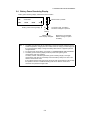
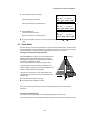
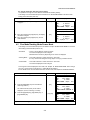
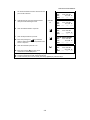
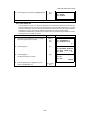
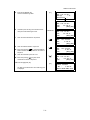
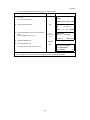
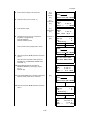
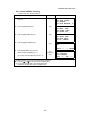
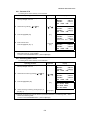
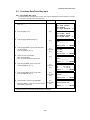
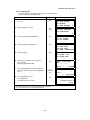
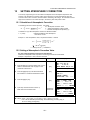
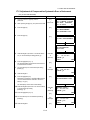
4 Press the [F1](INPUT) key and enter a offset
[F1]
Offset
value
[F4]
value, and press the [F4](ENTER) key.
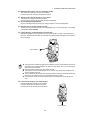
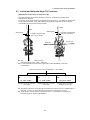
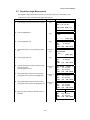
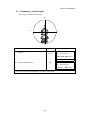
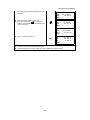
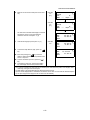
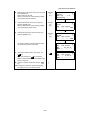
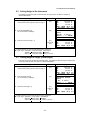
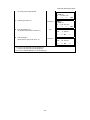
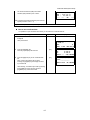
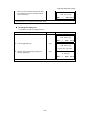
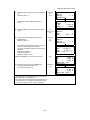
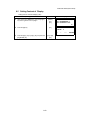
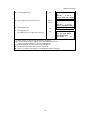
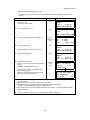
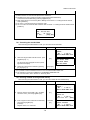
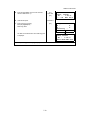
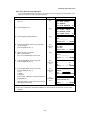
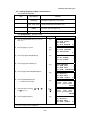
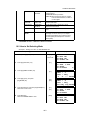
5 Collimate prism P1, and press the [F1](MEAS)
Collimate
P1
[F1]
key.
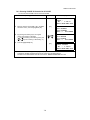
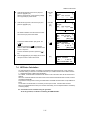
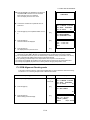
Measuring will start.
4-9
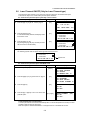
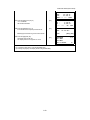
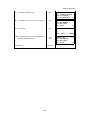
DISTANCE OFFSET
HR: 80°30'40"
HD:
m
MEAS --- NP/P --DISTANCE OFFSET
HR: 80°30'40"
HD* [n]
<< m
>Measuring...