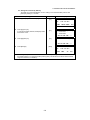
1
4 DISTANCE MEASUREMENT
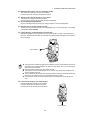
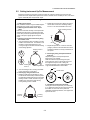
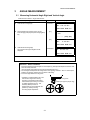
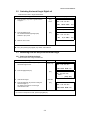
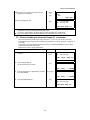
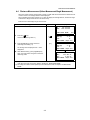
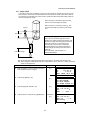
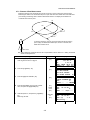
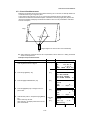
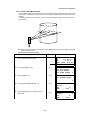
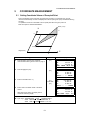
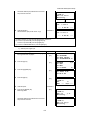
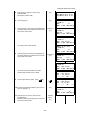
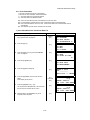
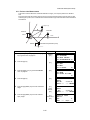
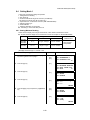
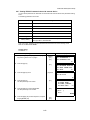
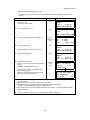
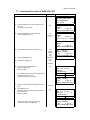
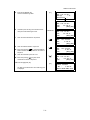
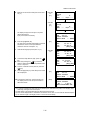
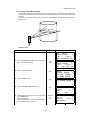
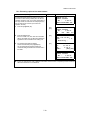
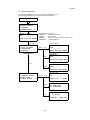
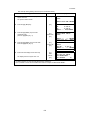
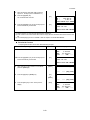
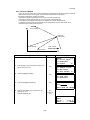
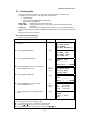
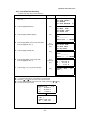
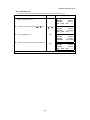
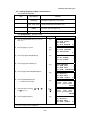
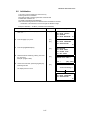
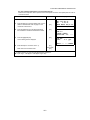
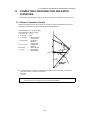
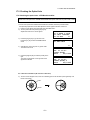
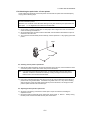
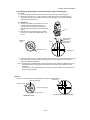
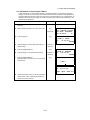
6 Measure the second and third points in the same
Collimate
P2
[F1]
way.
Collimate
P3
[F1]
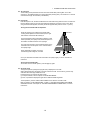
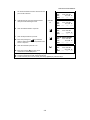
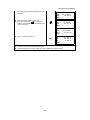
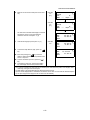
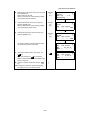
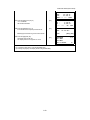
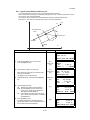
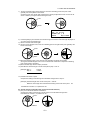
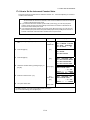
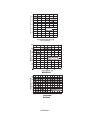
The instrument calculates and displays coordinate
and distance value of cross point between
collimation axis and of the plane. *1),2)
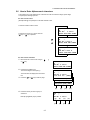
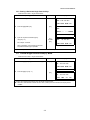
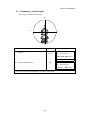
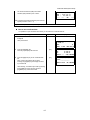
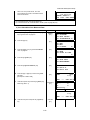
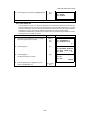
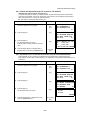
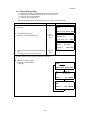
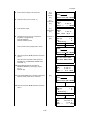
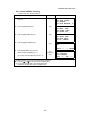
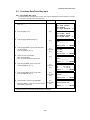
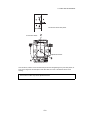
7 Collimate the edge (P0) of the plane. *3) ,4)
Collimate
P0
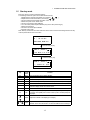
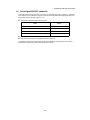
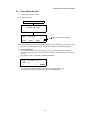
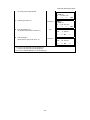
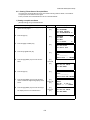
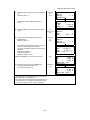
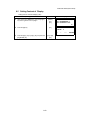
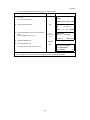
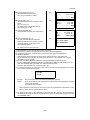
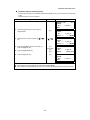
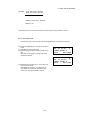
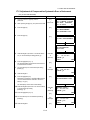
8 To show the slope distance (SD), press the
[]
key.
● Each time pressing the [
] key, horizontal
distance, relative elevation and slope distance are
shown in sequence.
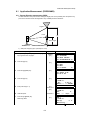
PLANE
N002#:
SD:
MEAS ---
PLANE
N003#:
SD:
MEAS ---
N
P
m
NP/P ---
N
P
m
NP/P ---
HR:
HD:
VD:
EXIT
80°30'40"
54.321 m NP
10.000 m
HR:
HD:
VD:
EXIT
75°30'40"
54.600 m NP
-0.487 m
V :
HR:
SD:
EXIT
90°30'40"
75°30'40" NP
56.602 m
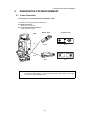
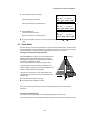
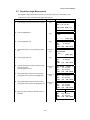
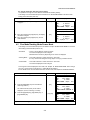
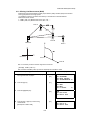
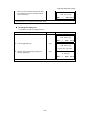
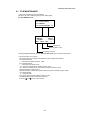
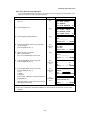
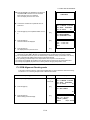
● To show coordinate of point P0, press the [
]
key.
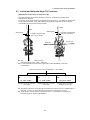
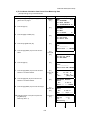
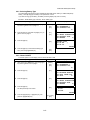
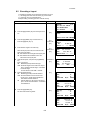
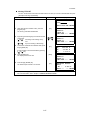
9 To escape the measuring, press the [F1](EXIT)
key. The display returns to the previous mode.
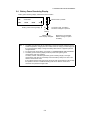
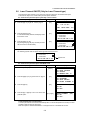
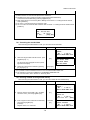
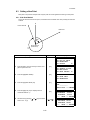
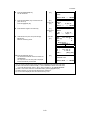
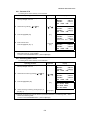
*1) In case the calculation of plane was not successful by the measured three points, error displays. Start
measuring over again from the first point.
*2) Data display is the mode beforehand of offset measurement mode.
*3) Error will be displayed when collimated to the direction which does not cross with the determined plane.
*4) The point height of the target point P0 is set to zero automatically
4-12